
Start your 2027 payroll in Officaid from January.
Bring your books, your payroll and your customers into one login before the new year starts. Your first 3 months are on us, there is no setup fee, and our support team helps you bring your data across.
Enter it when you sign up.
For sign-ups until 28 Feb 2027.
14 days + 3 months on us, no credit card needed. Every feature included while you try it.
Nothing to pay to get started, and nothing to install. Officaid runs in the browser.
Our support team helps you bring your data across.
Why January
Your January, step by step
Singapore's payroll year runs from January to December, so the first payroll of 2027 is a clean place to start.
- Sign up with MOVE2027
Start your free trial and enter the code. No credit card needed.
- Set up with the checklist
The Getting started checklist walks you through your company address, bank accounts, leave policy and public holidays.
See the checklist - Bring your data across
Our support team helps you bring your data across, so you start the year with your own numbers.
- Run your first 2027 payroll
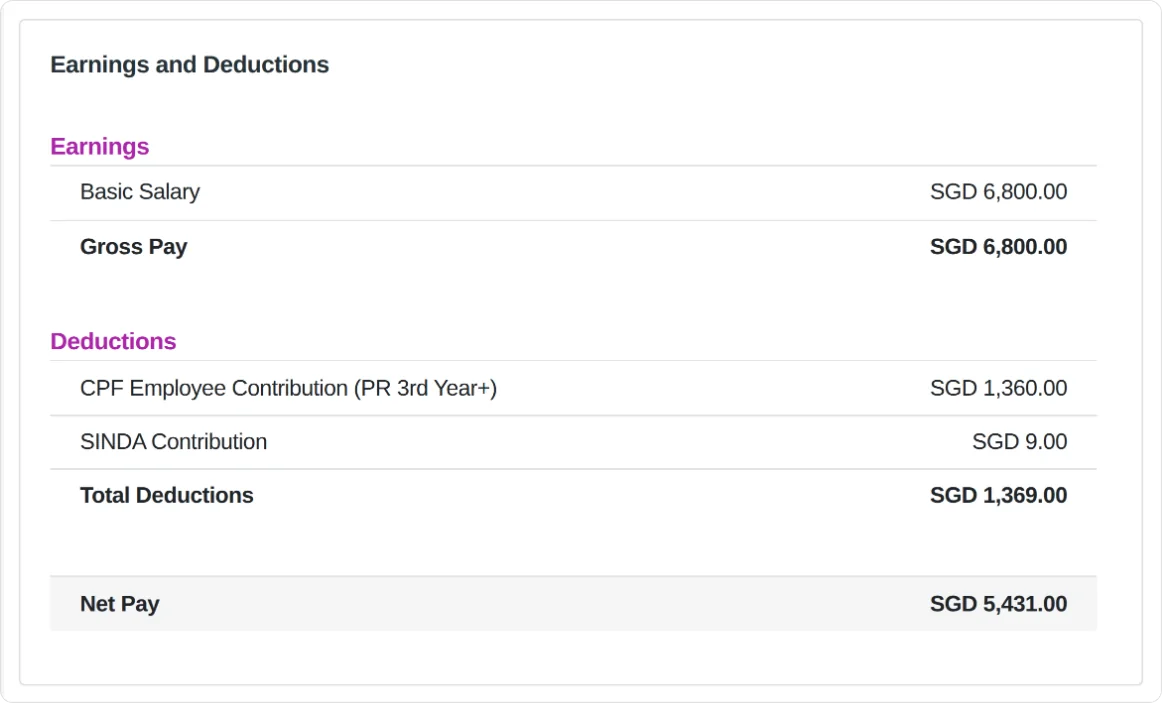
CPF, SDL and the self-help funds are worked out on every payslip.
What moving takes
30 seconds: your bank, your team, your first 2027 payroll and the books, in one login.
Moving in, the practical part
What you can bring in yourself today, with a Help Center article for each.
Import your team from a CSV or Excel file. Officaid matches the columns, shows each line before anything is saved, and updates existing staff found by employee code or work e-mail.
Read the article Bank statementsUpload a statement from CSV or Excel. Officaid remembers the column layout for the next upload.
Read the article Opening balancesEach bank account takes an opening balance and the date it applies from.
Read the article Public holidaysImport the year's public holidays into the leave calendar in one click.
Read the articleEnter the wages your previous payroll already paid this year, so CPF on bonuses sees the whole year.
For everything else, our support team helps you bring your data across.
Read the Getting started guideQuestions about moving
When should we start?
Sign up with MOVE2027 in December and set up with the one-page checklist. Bring your data across between December and January, then run your first 2027 payroll on your January payday.
What do we need to have ready?
Your UEN and registered address, your GST registration number if you are GST-registered, and your CPF Submission Number (CSN). For each bank account, a statement as CSV or Excel and the balance on the day you move. Your customers, vendors and the items you sell. For each employee: full name, NRIC or FIN, pass type, date joined, salary, bank and CPF details. The checklist lists it all on one page.
Do we have to do the move ourselves?
No. Our support team helps you bring your data across.
What does MOVE2027 give me?
Your first 3 months on us: the 14-day free trial plus 3 months, with no credit card needed. Every feature is included while you try it. Enter MOVE2027 when you sign up; it is for sign-ups until 28 Feb 2027.
Is there a setup fee, or anything to install?
No setup fee, and nothing to install. Officaid runs in your browser.
What does it cost after the trial?
One plan, the same price as on our pricing page, for the whole back office: payroll, the books, invoicing and your customers.
One login for the whole back office
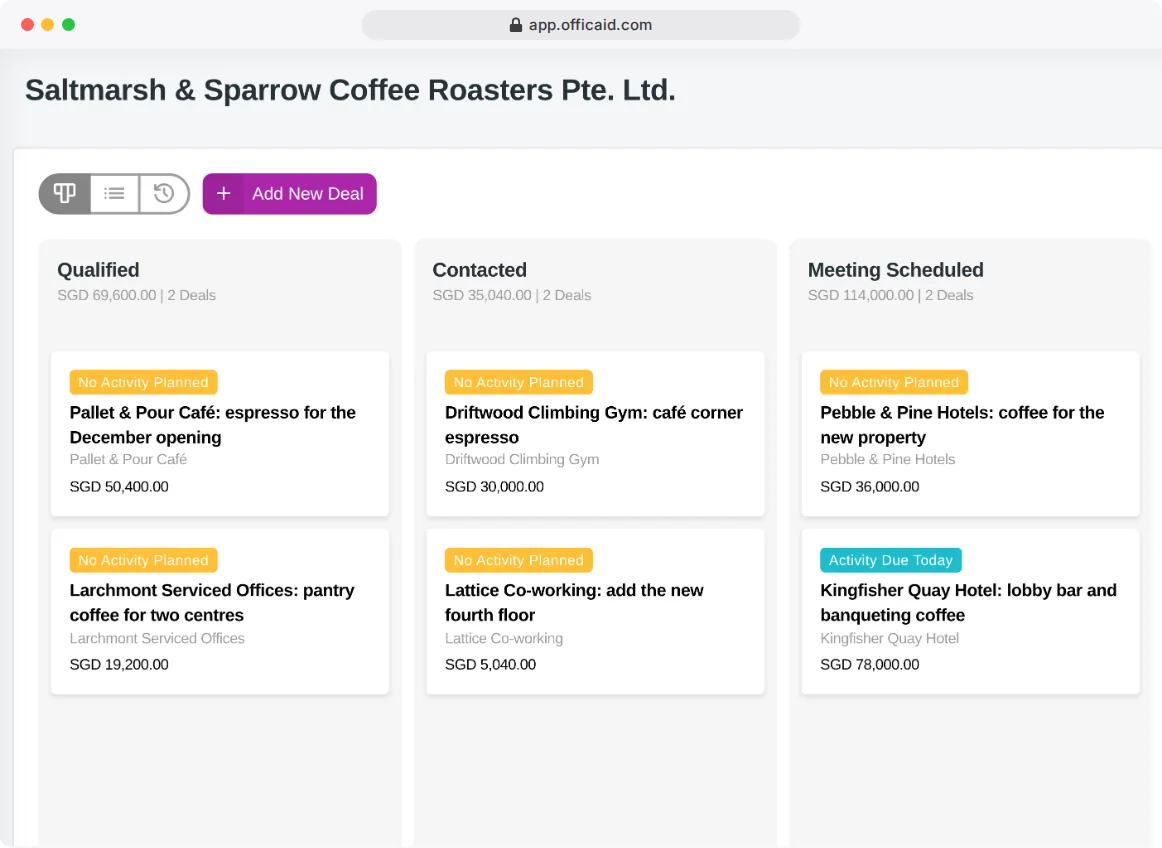
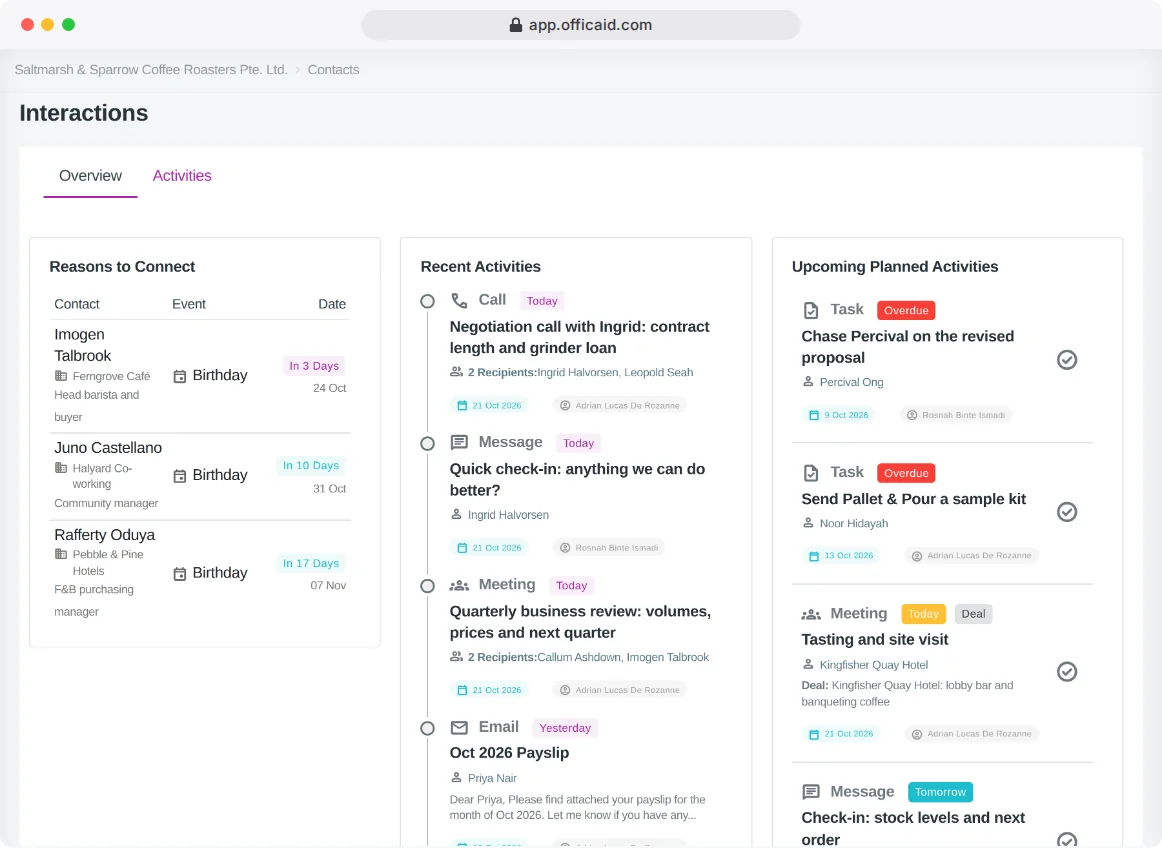
The money, the people and the customers, in one place from day one.
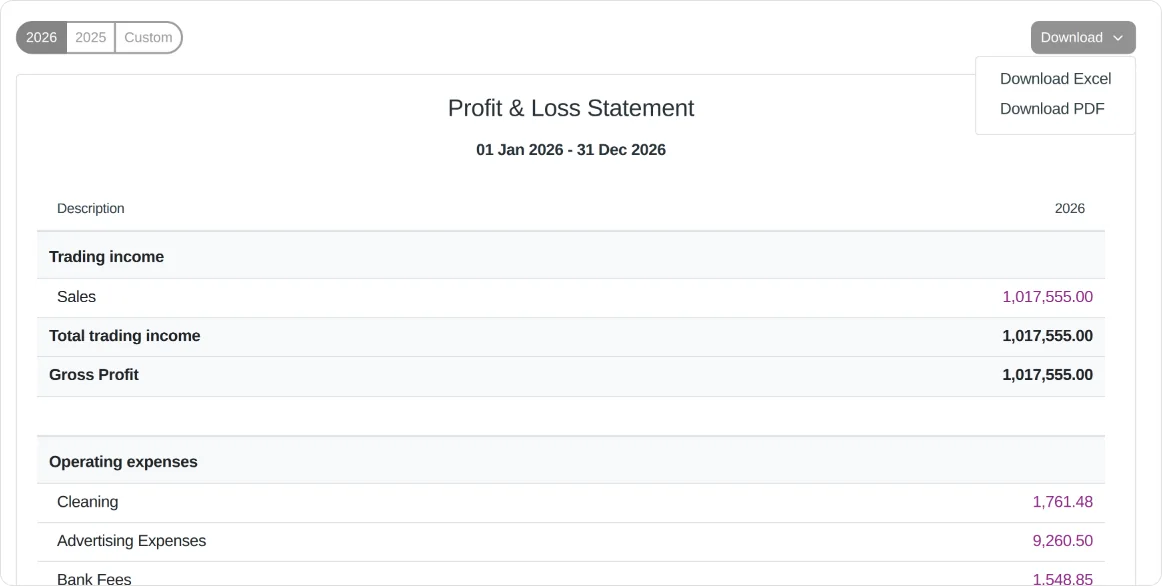 TeamKeep your team running smoothly.See Team
 SalesFocus on the most promising deals.See Sales
 NetworkNurture and grow your relationships.See Network

Listed One-Stop Payroll (OSP) vendor: submit your payroll information to CPF Board, IRAS and MOM straight from Officaid.
After your trial
One platform. All features included.
You don’t pay per module. You pay for the size of your team.
No hidden fees. No forced upgrades.
Your Business in Harmony.
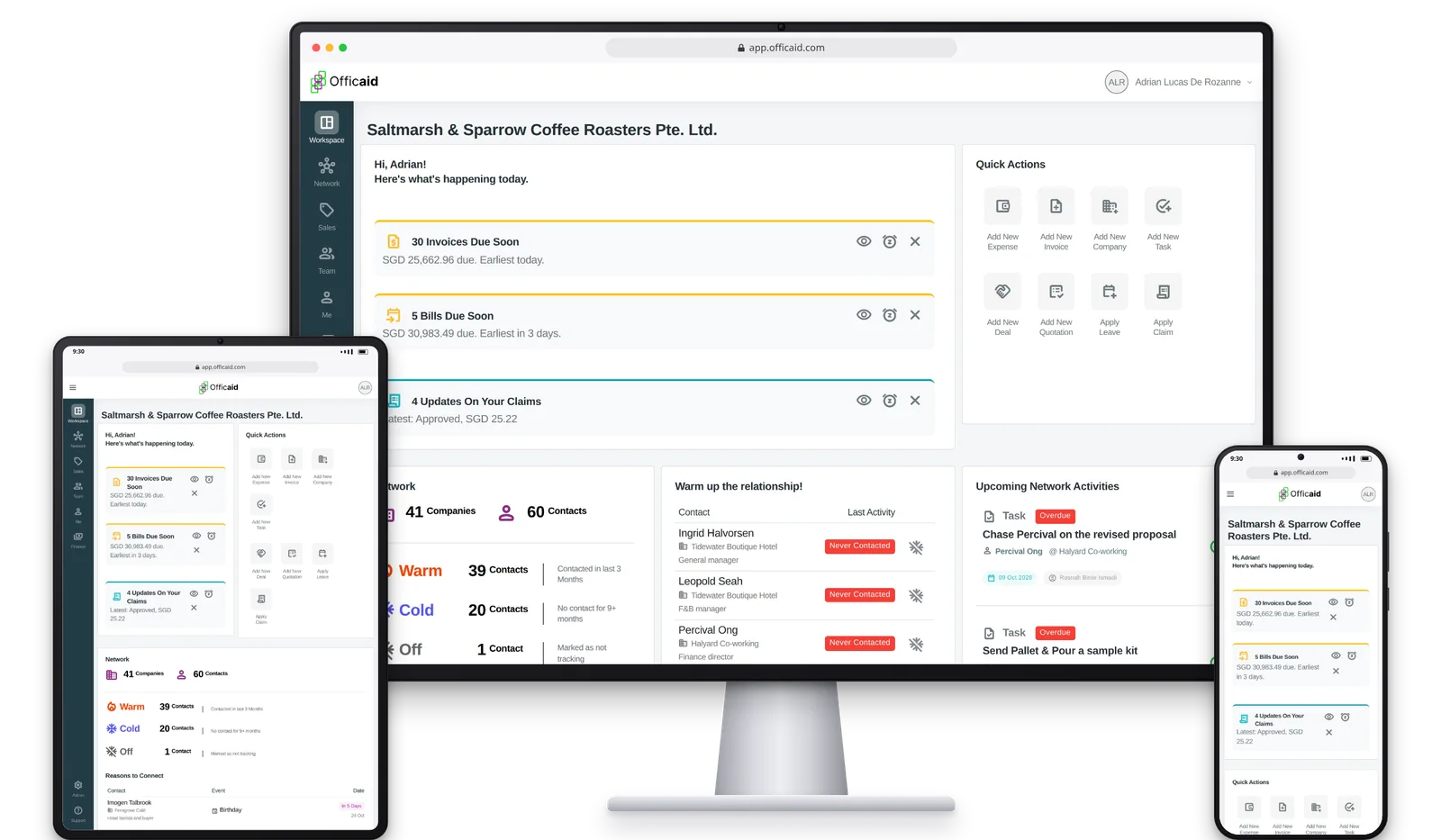
Officaid works in the browser on any computer, tablet or phone, with nothing to install. Your staff apply for leave and claims themselves.
Make 2027 the year it comes together
Use code MOVE2027 when you sign up. No credit card required. No setup fee.