



Watch the full demo in action
Two captioned demos: an invoice from draft to email, and a first payroll.
Invoicing with Officaid · 2:21
First payroll on Officaid · 4:49
From sign-up to running your business
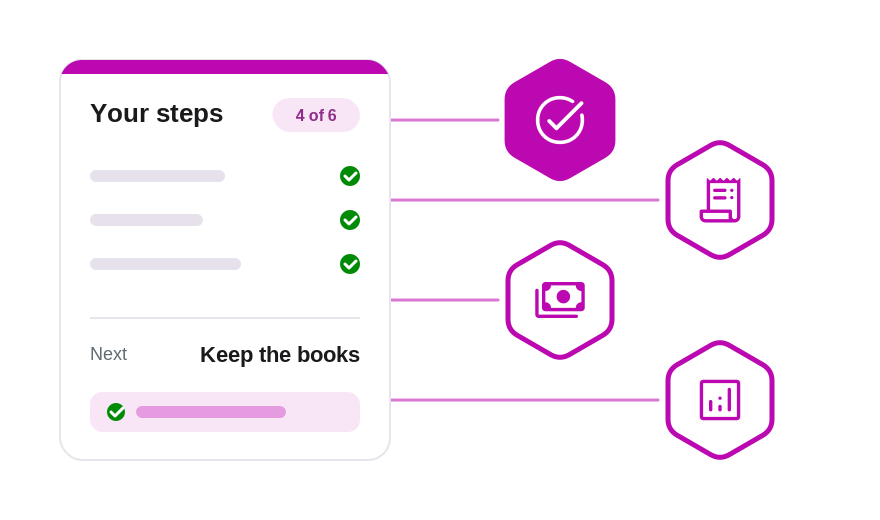
Six steps, each with the screen you will use and a guide in the Help Center.

Set up your company
Work through the Getting started checklist to get Officaid ready for invoicing, leave and claims.
- Complete your company profile: your registration number and address, as they appear on your invoices.
- Add a bank account. Invoices need a payment account, so do this before creating your first invoice.
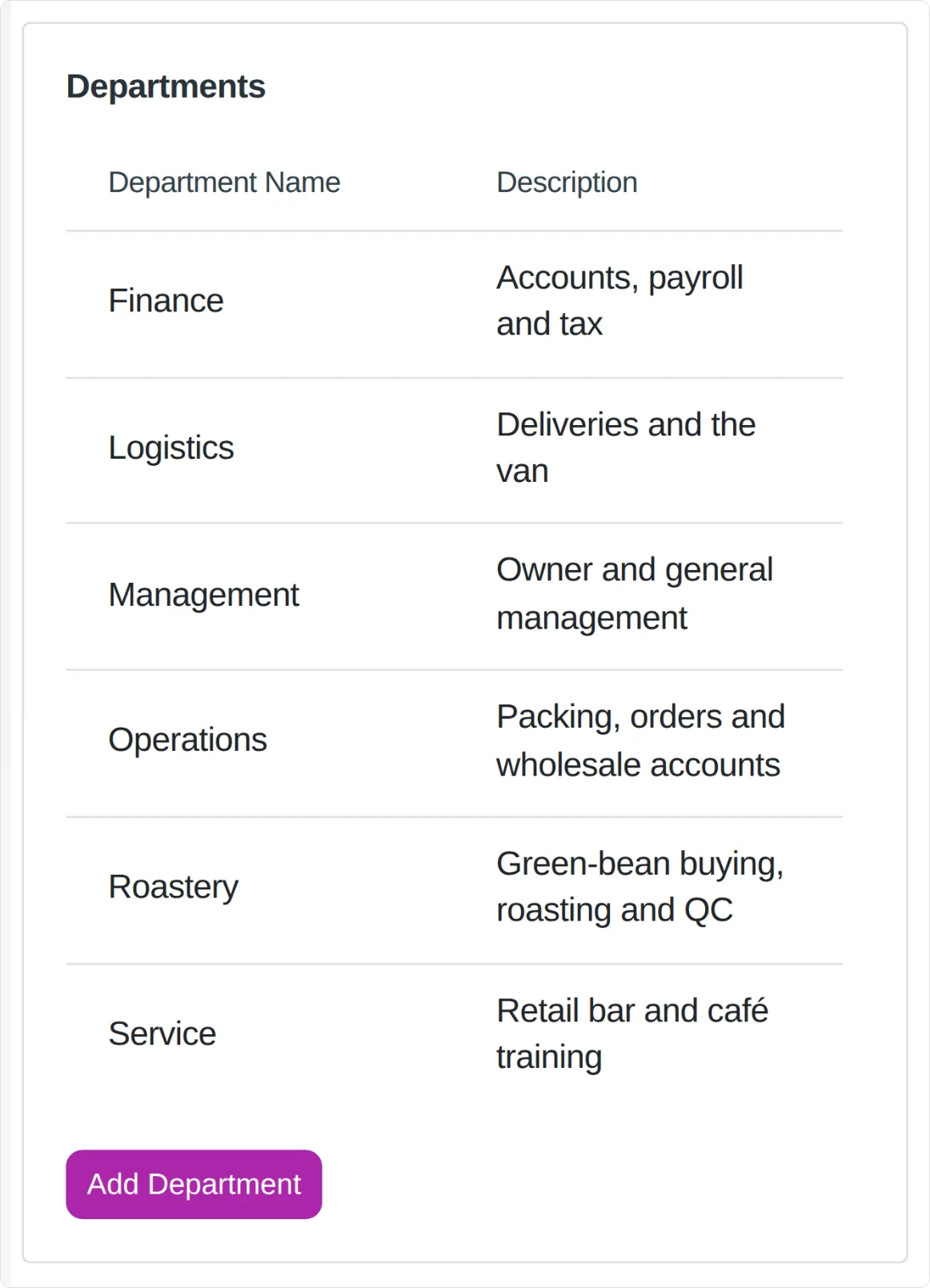
- Add your departments, set your leave policies, import the public holidays and adjust your claim limits.
Add your team
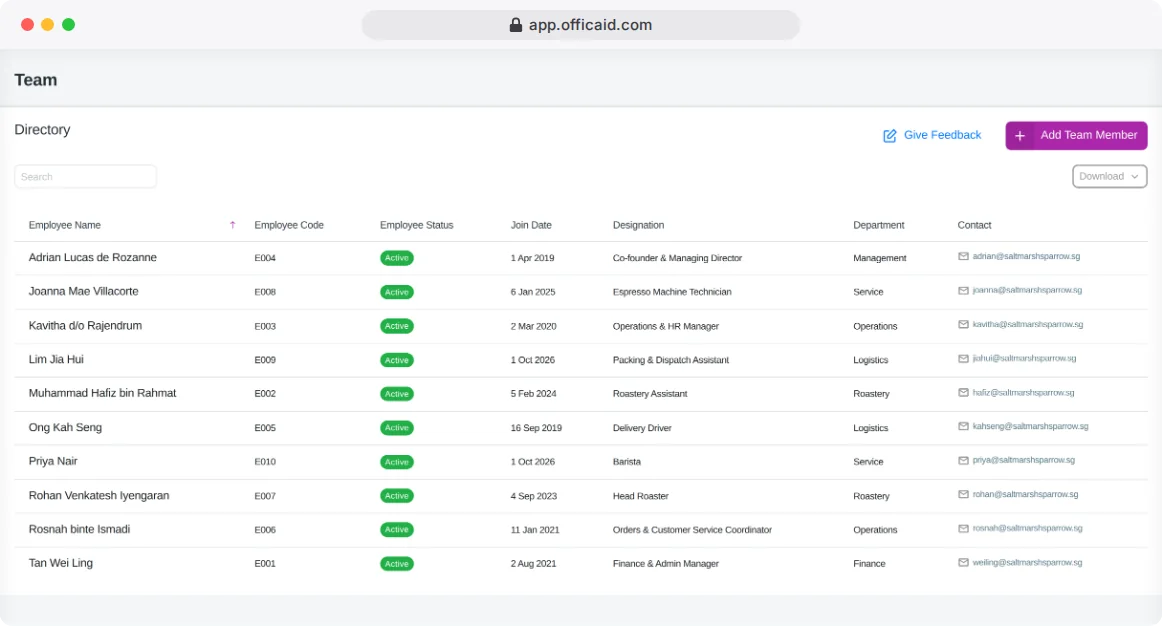
Add each employee with the details payroll and CPF need.
- Detailed profiles with documents, salary progression, KPIs, emergency contacts, and assigned assets
- Your staff apply for leave and claims themselves.
- Give the right people the right access. Nothing more, nothing less.
Sell and get paid
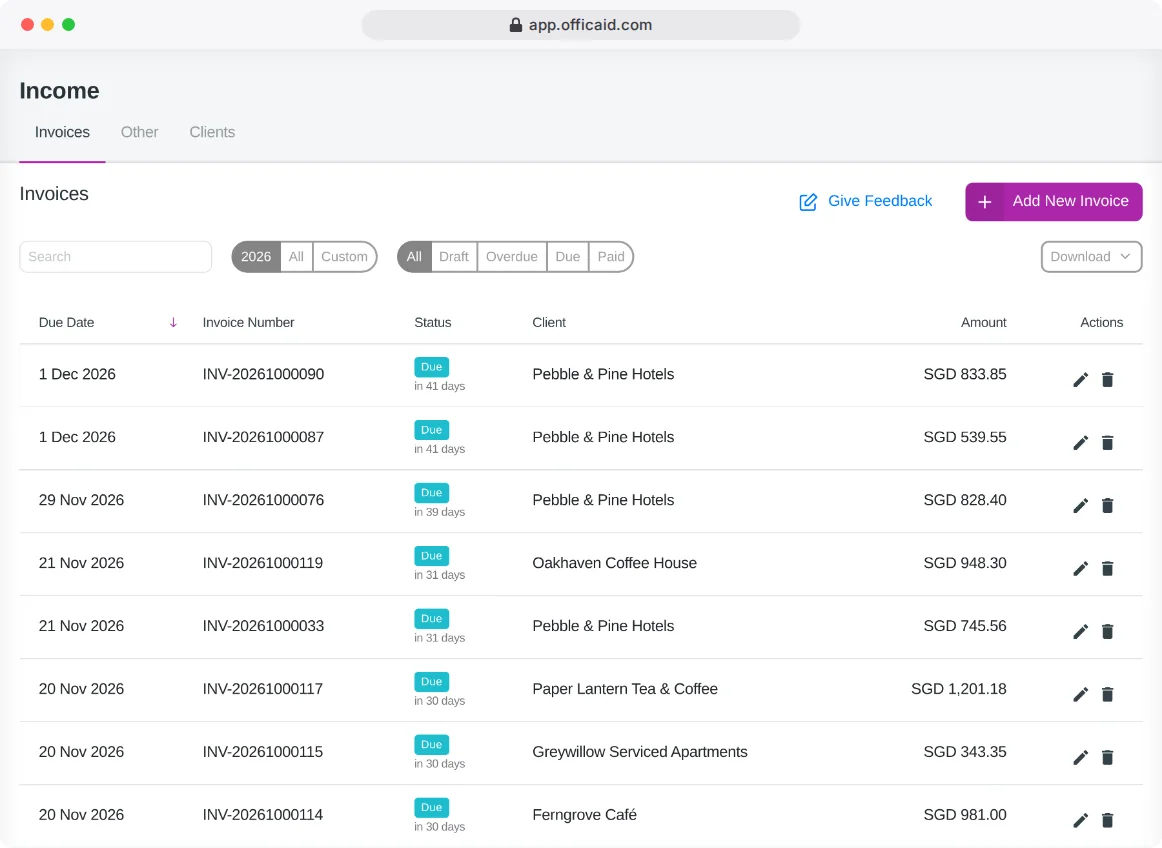
A quotation starts inside the deal, and one click turns it into an invoice.
- Create an invoice for a customer in a few steps, ready to approve and send.
- GST registration is one toggle. Approved invoices read Tax Invoice, with GST worked out on each line.
- Every invoice shows when it is due, and the Due and Overdue filters show who to chase.
Pay your team
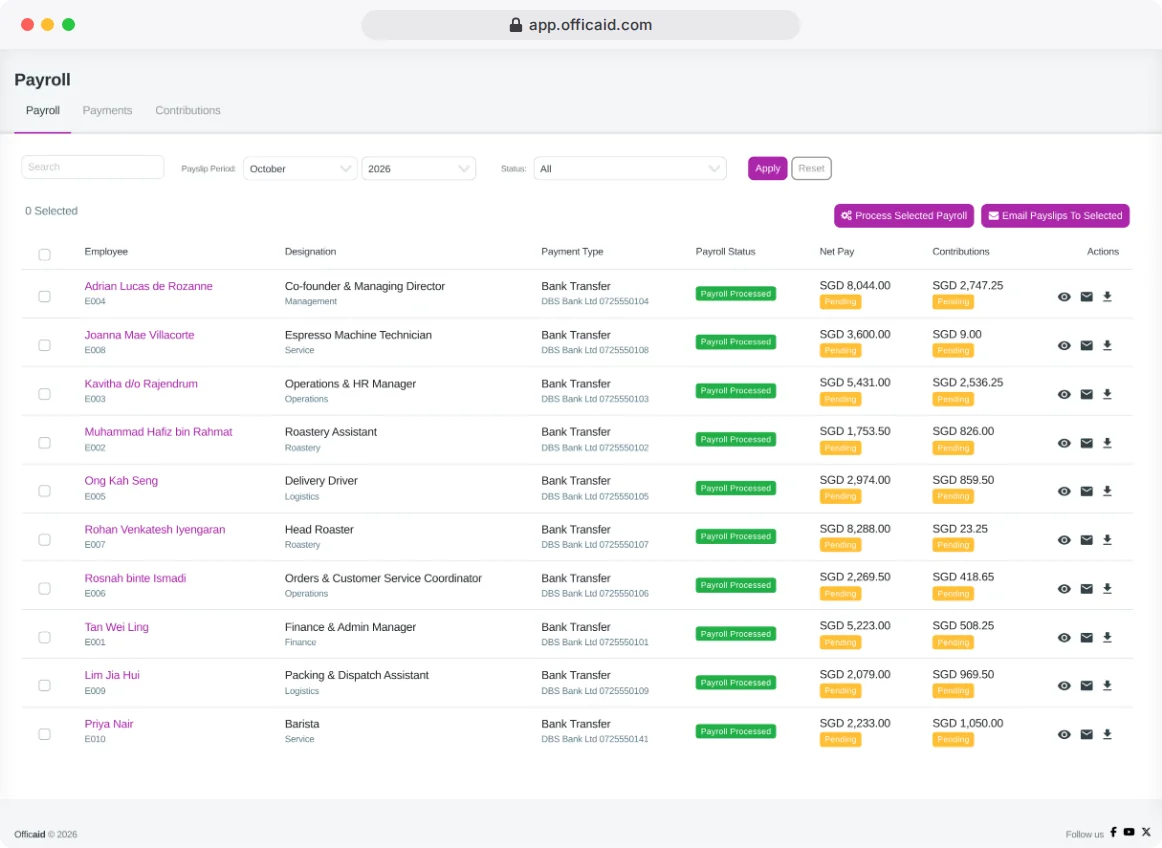
CPF, SDL and the self-help funds are worked out on every payslip, and one bank file covers all the salaries.
- Generate the CPF EZPay file, mark the contributions paid, and they are in the books.
- Email payslips to the whole team in one go, PDF attached.
- An approved claim is already a payable in Finance.
Keep the books
Today's invoices, payments and claims are already in the books.
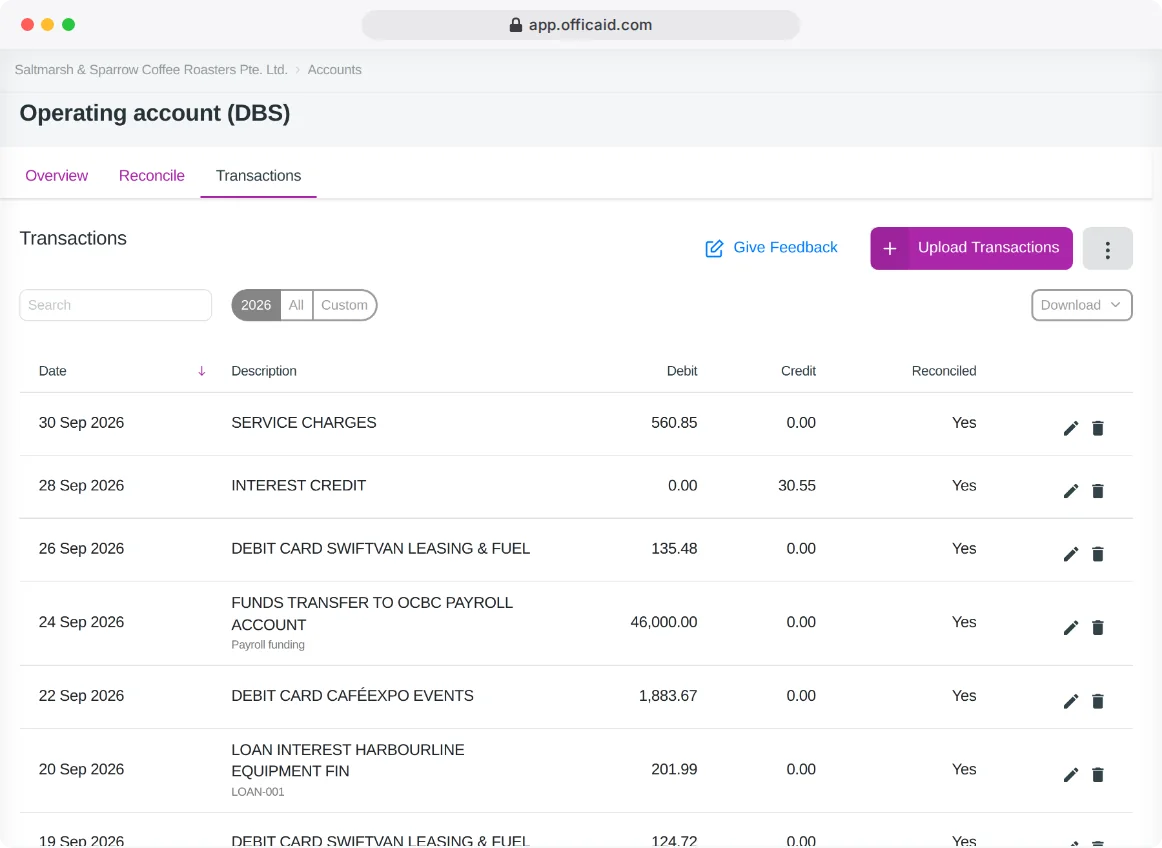
Bank reconciliation
Upload a bank statement and accept the suggested matches. Every line says whether it is reconciled.
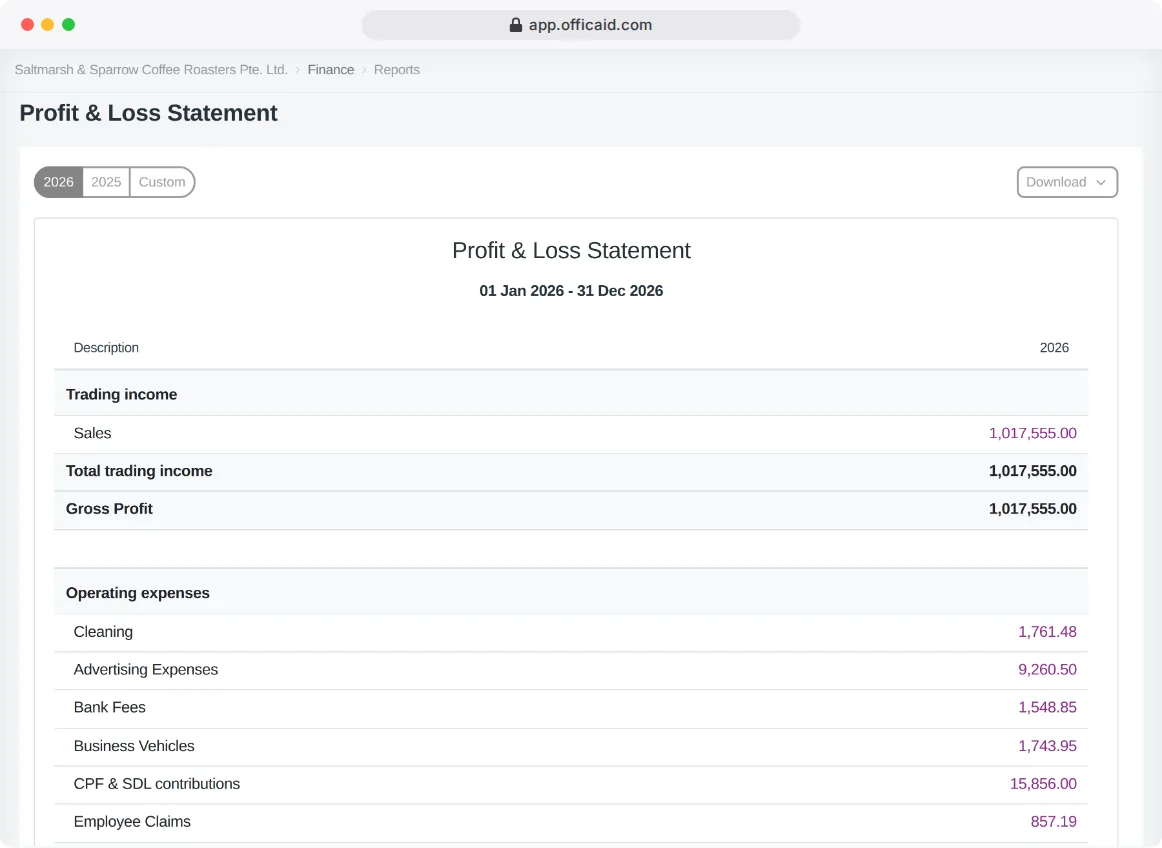
Reports
Every report is one click from Excel or PDF: Profit & Loss, Balance Sheet, Cash Flow and more.
Run the day
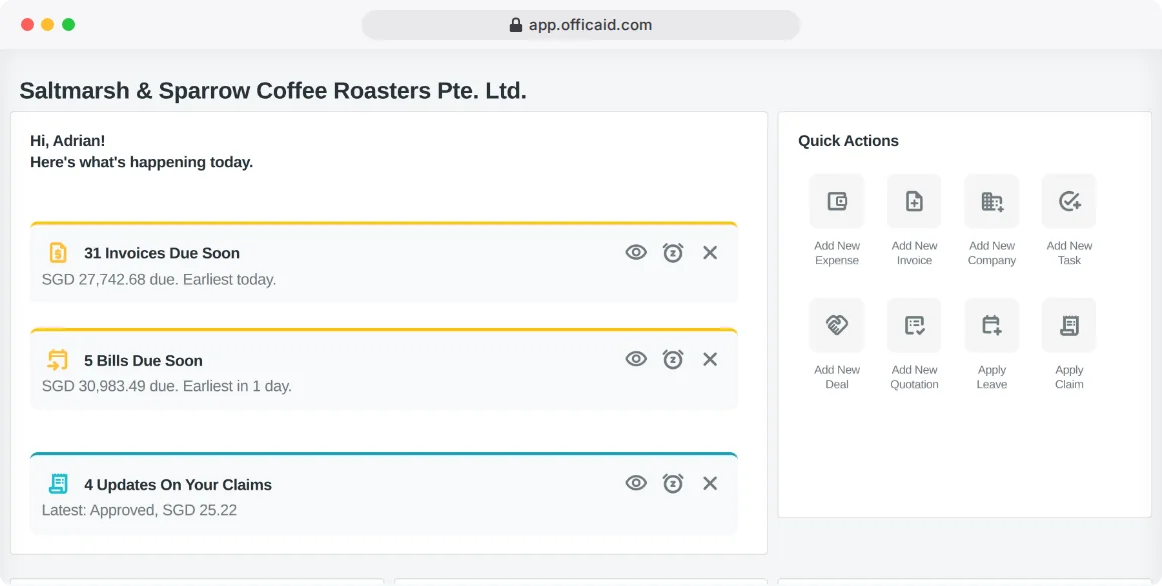
Insights opens on what needs you: invoices and bills due soon, with the amounts.
- Snooze any alert to later today, tomorrow or next week, or dismiss it
- Log a call and the contact turns from Cold to Warm.
- Add a birthday once and Reasons to Connect reminds you to reach out.
Help along the way
We are here to help you get the most out of Officaid.
Ready to run your business from one place?
Officaid brings your contacts, sales, team management, payroll, and full accounting together.
Start free trialNo credit card required · 14-Day free trial