



Bank Reconciliation with Officaid
Keep your accounts accurate, automated, and always up to date.
Officaid’s Bank Reconciliation removes the manual work from matching transactions, giving you a real-time view of your cash flow and confidence that your books are always correct.
Upload your bank statement (CSV or Excel) and Officaid suggests the match for each line; accept it in one click. Lines like bank interest are classified on the spot. Review the exceptions and reconcile everything in minutes, not hours.
Start free trial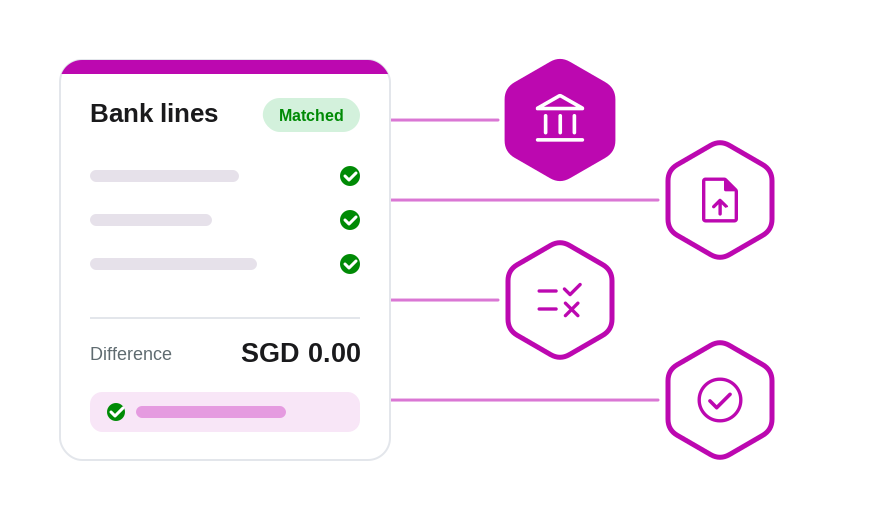
Bank Reconciliation with Officaid
A short demo: upload the bank statement, accept each suggested match, and your books agree with the bank.
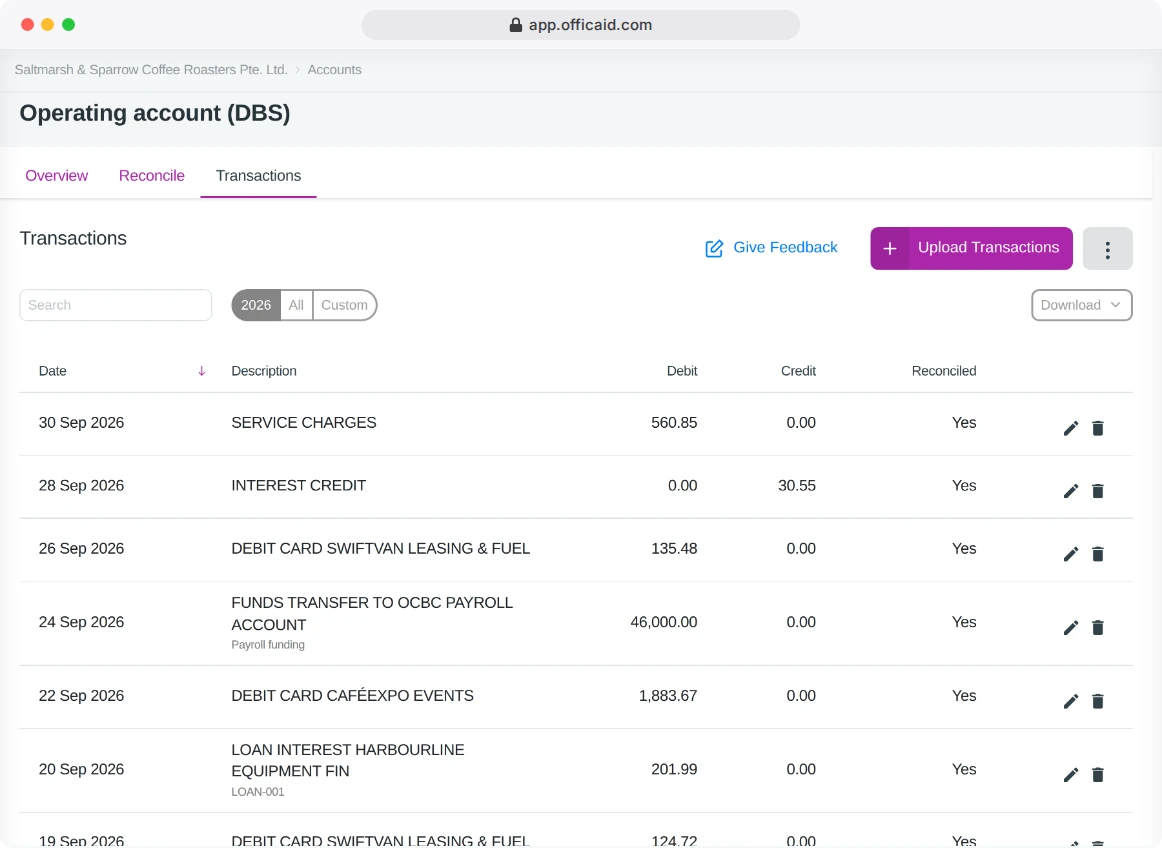
Upload your bank statement
Bring your bank data straight into Officaid.
Upload your bank statement (CSV or Excel) and the lines appear in your reconciliation, ready to match, review or categorise.
No copying from PDFs. No manual typing. No lost transactions.
Take card payments through Stripe? You can also upload Stripe's payout file: Officaid splits each payout into sales, refunds and fees and reconciles the deposit.
Smart transaction matching
Let automation do the heavy lifting.
Officaid intelligently suggests matches for each transaction by comparing:
Most transactions reconcile with a single click, saving massive amounts of admin time every month.

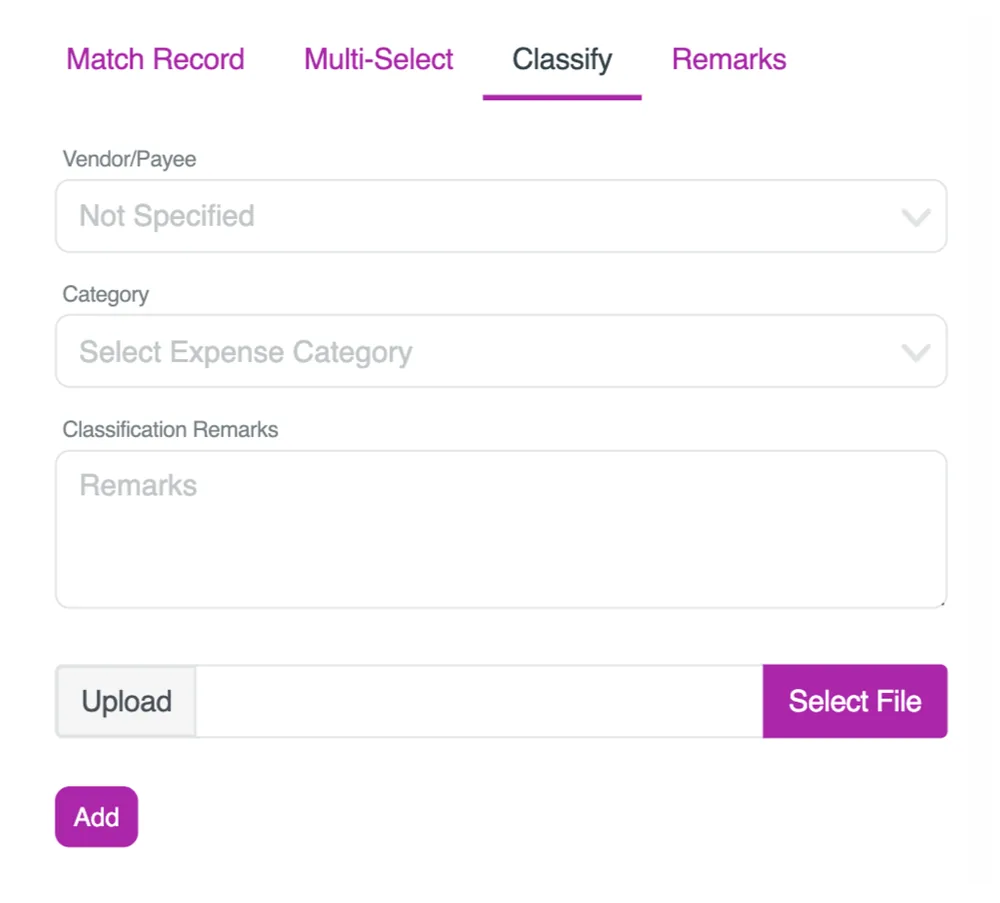
Create missing transactions instantly
Not every bank entry has an existing record, and that’s okay.
When Officaid can’t find a match, you can instantly:
- Record an income transaction
- Create a new expense
- Assign a transfer between accounts
Directly from the reconciliation screen, no extra forms or screens required.
Handling split payments
Manage real-world payment complexity with ease.
Officaid supports:
Accurate reconciliation without workarounds or spreadsheets.
Full audit trail
Stay transparent and compliant.
Every reconciliation action is logged. Including edits, corrections, approvals, and clearings, creating a complete audit trail for accountants, regulators, and management reviews.
More that Officaid does for your bank accounts
- Upload a statement from any bank (CSV, XLS or XLSX); Officaid matches the columns, or you match them once, and remembers them.
- Each account shows where it stands: lines to reconcile, or not balanced with the difference.
- Foreign-currency bank and cash accounts, valued at the day’s rate.
Reconciliation without complexity
Officaid brings enterprise-grade reconciliation to everyday businesses, without complicated workflows or accounting-only interfaces.
As part of the fully integrated Officaid platform, reconciliation works seamlessly with invoicing, expenses, payroll, reporting, and accounting, giving you end-to-end financial clarity in one system.
Whether you're reconciling a handful of payments or thousands across multiple accounts, Officaid adapts to your volume and complexity, without slowing you down.
Start free trialNo credit card required · 14-Day free trial
Learn how in the Help Center
Step-by-step guides for this part of Officaid.
Keep your records accurate and your finances in check. Officaid makes reconciliation simple.
Read the article Enabling Reconciliation on your AccountTurn on reconciliation for your business accounts in Officaid and unlock the tools to match your records.
Read the article Uploading Bank StatementsImport a bank statement CSV or Excel file into Officaid: match the columns, preview the lines and add them to your account, ready to reconcile.
Read the article Reconciling Your TransactionsMatch your bank statement with your Officaid records and keep your books accurate.
Read the article Handling DiscrepanciesSpot the gaps in your records and learn how to fix them with Officaid.
Read the article