



Expense Tracking with Officaid
Capture, manage, and control business expenses.
Officaid’s Expense Tracking makes it effortless to record, approve, and reconcile your business spending, all in one connected system. Snap receipts, submit claims, assign categories, and sync expenses directly to your accounting with zero manual data entry.
From daily purchases to team claims, Officaid gives you full visibility and control over every dollar spent.
Start free trial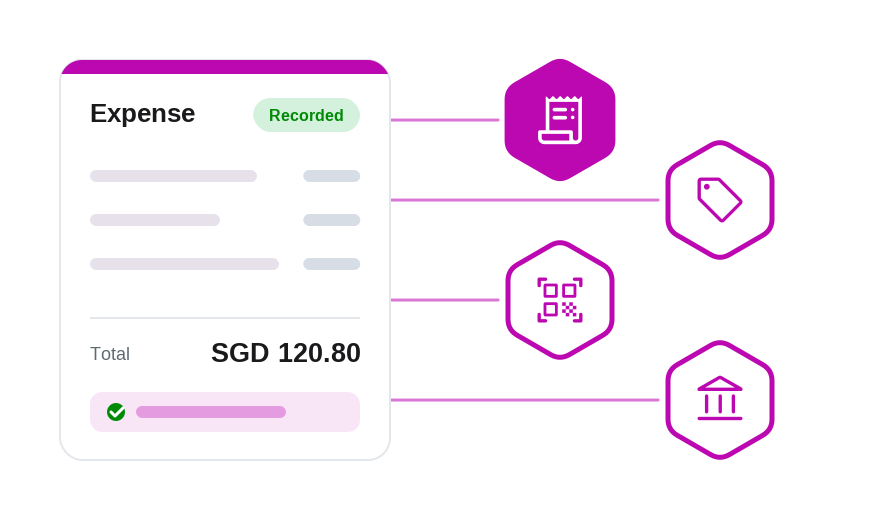
Expense Tracking with Officaid
A short demo: an expense added with its receipt, GST worked out, and year end in one download.
Capture expenses instantly
Record expenses as they happen, from anywhere.
Upload receipts using your phone or desktop, or enter expenses manually when needed. Officaid stores all supporting documents securely alongside each transaction so nothing ever gets lost.
No shoebox receipts. No scanning marathons.
Year end, handed over
Download every receipt in one zip and your expenses in Excel, one click each. Add the invoice PDFs, also in one zip, and your accountant has the whole year without a single copy-paste.
Every receipt checked for you
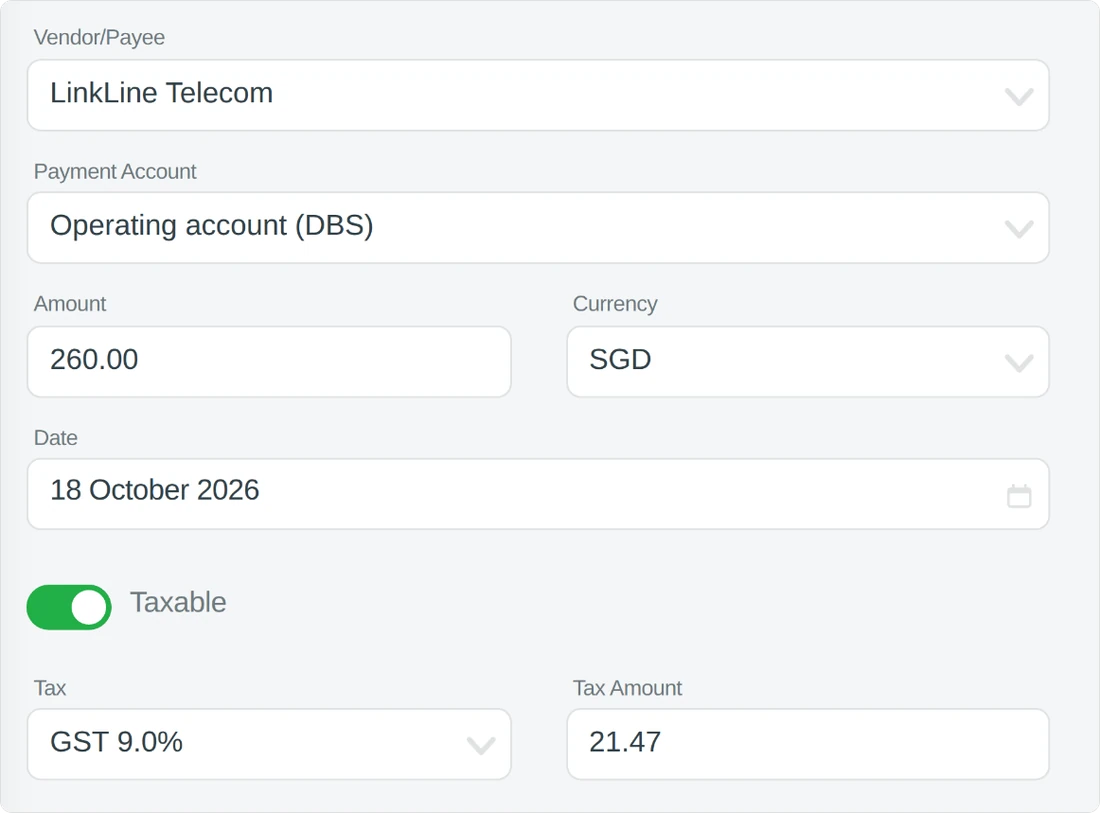
Attach a receipt to an expense, a bill to a payable or a receipt to a claim, and Officaid reads it and compares it with what you entered. If the total, the date, the vendor or the bill number does not match, you see a warning with a one-click fix. The text on the receipt becomes searchable too, so you can find an expense by what was bought.
Attachments are read on Officaid's own servers; nothing is sent to third parties.
Expense categorisation made simple
Keep your books clean.
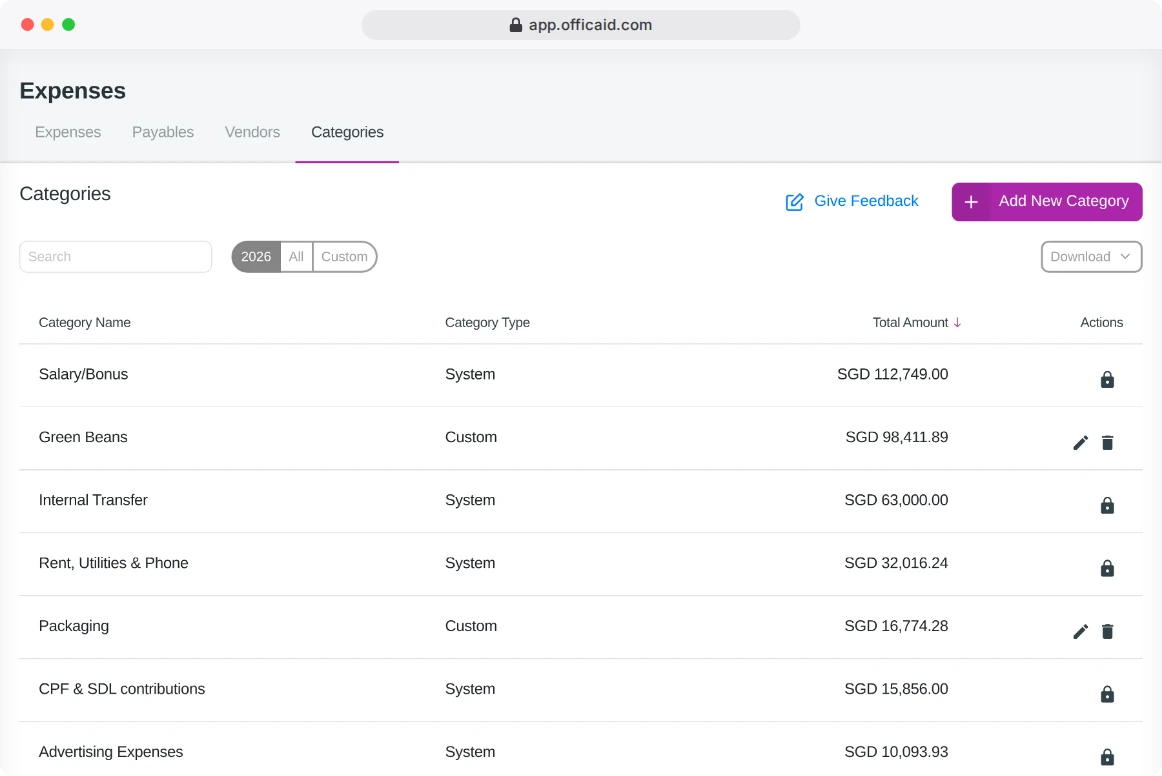
Assign categories such as travel, office supplies, meals, subscriptions, and more. Accurate accounting and compliance without complexity.
Mark a category as a subscription (monthly, quarterly or yearly), and Officaid reminds you when a period has no expense in it, so a missed software or rent bill doesn't slip through.
Custom categories let you tailor expense tracking to the way your business operates.
Employee expense claims
Empower your team to submit claims easily.
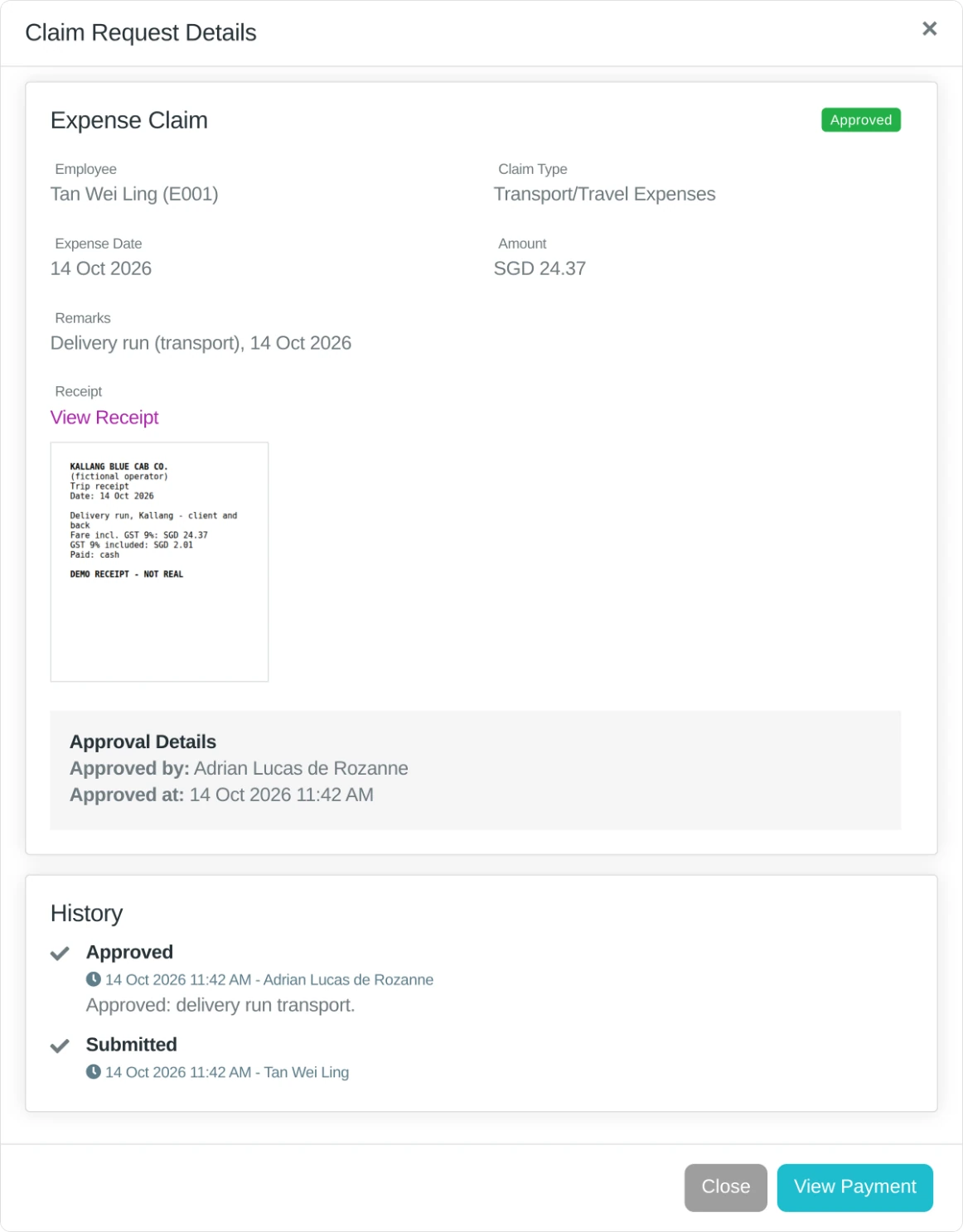
Employees can submit reimbursable expenses directly from their phones, attaching receipts and notes. Managers receive notifications to review and approve claims with a single click.
Once approved, expenses flow straight into payroll or reimbursement processing, no spreadsheets or cluttered inboxes.
Multi-currency expense management
Handle global spending confidently.
Officaid supports expenses in multiple currencies while maintaining consistent reporting in your base currency, including exchange rate tracking and accurate conversions for financial statements.
Built-in tax compliance
Automatically calculate local taxes.
Expenses are processed using region-specific tax rules such as GST or VAT, ensuring:
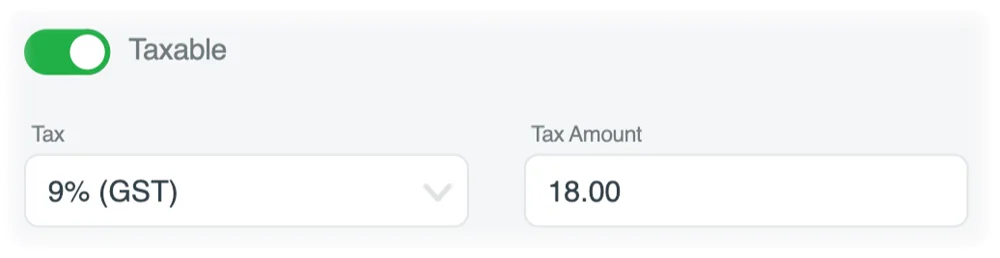
Tax reports automatically pull verified data from expense records, no extra work required.
Automatic reconciliation
Matching in one click.
Approved expenses are ready to match when you upload your bank statement, and your accounting records stay aligned.
Every expense updates:
- Expense accounts
- Tax filings
- Payables
- Cash flow reports

Central expense dashboard
View total spending by, Category, Employee, Department, Vendor, and Time period.
Identify rising costs, control budgets, and make smarter decisions using real-time insights instead of delayed monthly reports.
Policy enforcement
Prevent policy breaches before they happen.
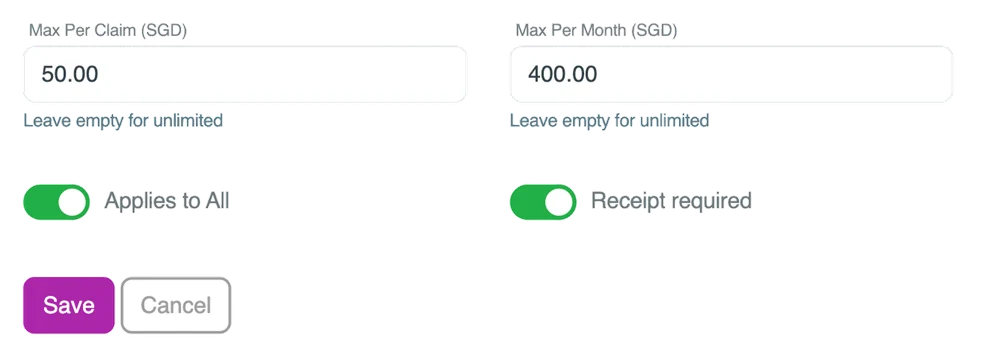
Set spending rules for:
- Maximum claim amounts
- Restricted categories
- Receipt requirements
Officaid flags violations during submission, protecting budgets and reducing approval friction.
Pay with PayNow
Pay a bill or a claim by scanning its PayNow QR, from inside your books.
Save a vendor’s or a payee’s PayNow details once. Record the payment, show the QR, and your books and P&L update.
More that Officaid does for your expenses
- A warning before you save a bill that looks like one you already have.
- The receipt check suggests what to fix: a new vendor, or GST on the receipt but not on the expense.
- Mark a category as a subscription (monthly, quarterly or yearly) and get a reminder when a charge is missing.
Expense tracking that fits modern teams
From solo founders to growing teams with hundreds of claims per month, Officaid scales with your expense management needs, without the complexity of enterprise systems.
As part of the fully integrated Officaid platform, expense tracking connects directly to your invoices, payroll, reports, and bank reconciliation, giving you a complete financial picture in one place.
Start free trialNo credit card required · 14-Day free trial
Learn how in the Help Center
Step-by-step guides for this part of Officaid.
Record a business expense in Officaid in a few steps: pick the vendor and payment account, add tax and the receipt, and keep your spending ready for tax time.
Read the article Creating a PayableTrack bills and upcoming payments in Officaid so you never miss a due date.
Read the article Expenses vs PayablesKnow when to record an expense or a payable in Officaid to keep your books accurate.
Read the article Checking receipts automaticallyReceipt check reads the receipt on an expense, the bill on a payable or the receipt on a claim, compares it with what was entered, and makes the text searchable.
Read the article Adding Tax to Expenses and PayablesTrack GST and other taxes on your business expenses in Officaid for accurate record keeping and input tax claims.
Read the article