



Key Finance Features
Everything you need to manage business money.
Officaid's Finance module brings invoicing, expense management, payroll, reconciliation, and reporting into one seamless system; eliminating scattered tools and manual processes.
Every transaction flows automatically across sales, payroll, HR, and accounting; giving you real-time financial clarity without spreadsheet work.
Start free trial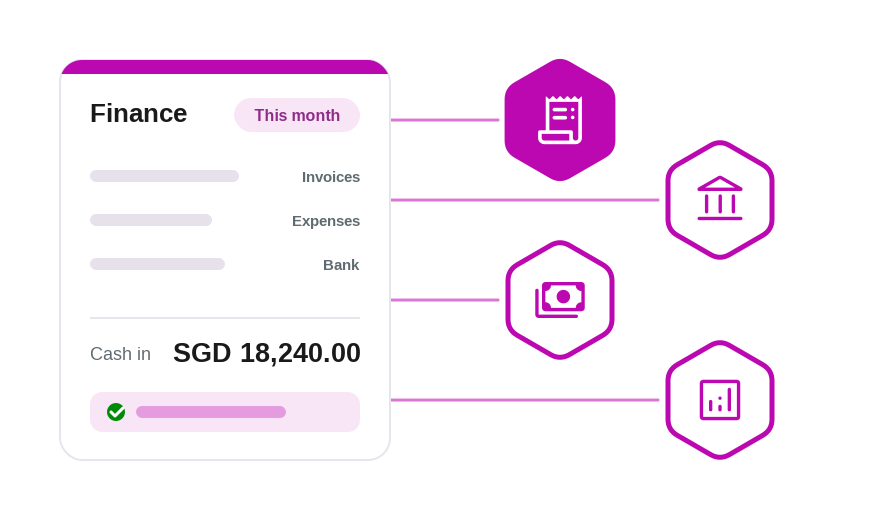
Finance
How it connects
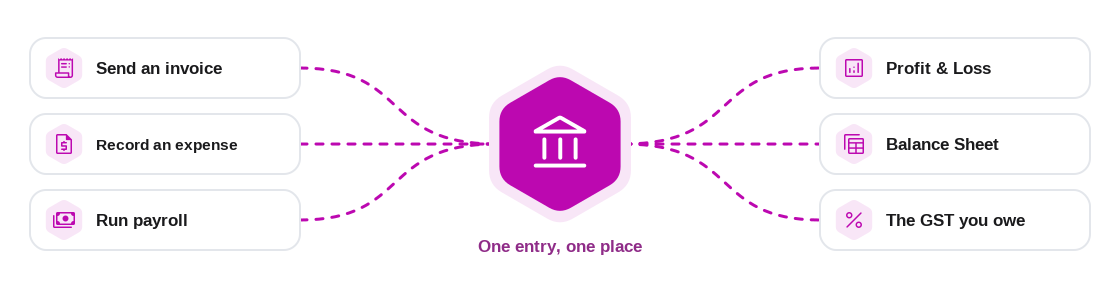
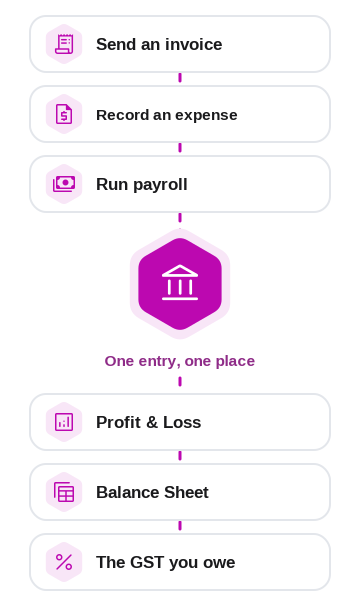
Send an invoice, record an expense or run payroll, and the same figures flow into your Profit & Loss, Balance Sheet and the GST you owe. One entry in one place: when money moves in Officaid, it lands in your books, nothing re-typed.
6 feature pages
Inside Finance
Open any feature for the full page.
Invoicing
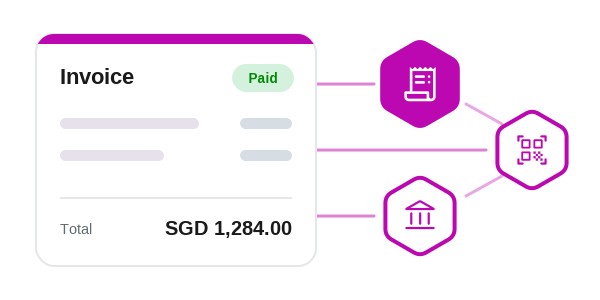
Create, send, track and reconcile invoices with online payment integrations.
Recurring invoices for retainers, rent and subscriptions: monthly, every 3 or 6 months or yearly, each made as a draft for you to check or approved and emailed to your client.
Explore Invoicing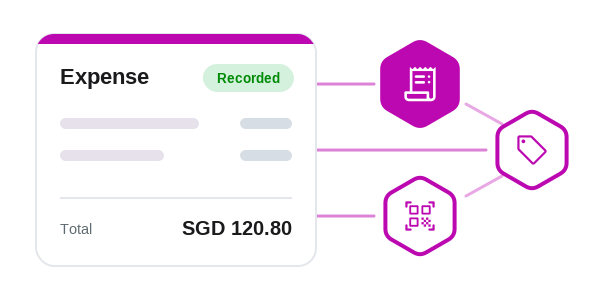
Expense Tracking
Capture receipts, categorise expenses, apply tax rules, and sync records automatically.
Explore Expense Tracking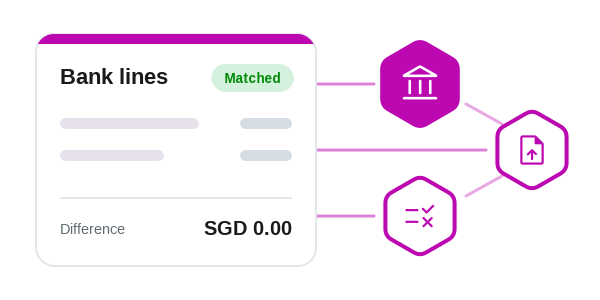
Bank Reconciliation
Automatically match bank transactions to invoices and expenses for accurate financial reconciliation.
Explore Bank Reconciliation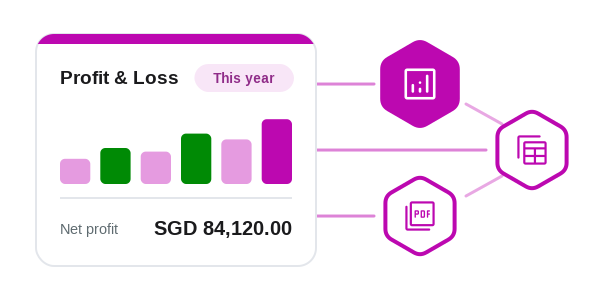
Reports
Compile real-time financial statements and compliance reports.
Explore Reports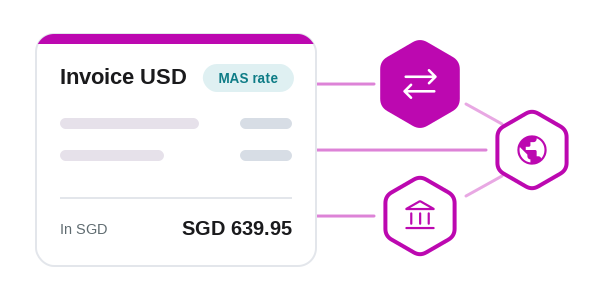
Multi-Currency & FX
Invoice, pay and bank in other currencies. Officaid keeps the SGD side right.
Explore Multi-Currency & FX
Fixed Assets
Your asset register, with the depreciation done for you.
Explore Fixed AssetsSingapore
Built for Singapore
The local rules are built in, and the submissions are real.
GST registration is one toggle. Approved invoices read Tax Invoice, with GST worked out on each line.
Each GST period, with what to pay IRAS: under My Company, every period shows its net GST, the due date and what is still outstanding. Record the payment, or a refund from IRAS, on the account it went through, and Sales Tax Payable settles in your books.
Exchange rates from the Monetary Authority of Singapore, the source IRAS accepts.
Pay a bill by scanning its PayNow QR from inside the books, then record the payment in the same panel.
See it in action
Short captioned demos from Finance.
Expense Tracking with Officaid · 1:26
Your Business in Harmony.
Invoices, expenses, bank and reports in one place, with your payroll and your customers next door.
Start free trialLearn how in the Help Center
Step-by-step guides for this part of Officaid.
From cash flow to profitability, Officaid's reports give you the full picture of your business health at a glance.
Read the article Adding a Bank, Credit Card, or Cash AccountSet up your bank, credit card, or cash accounts in Officaid to track balances and manage your finances in one place.
Read the article How to Create an InvoiceCreate your first invoice in Officaid: pick the customer, add items, taxes and the payment account, then review and approve it, in about a minute.
Read the article How to record an expenseRecord a business expense in Officaid in a few steps: pick the vendor and payment account, add tax and the receipt, and keep your spending ready for tax time.
Read the article What Are LoansLearn how Officaid helps you track business loans, monitor repayments, and stay on top of what you owe.
Read the article