



Fixed Assets
Your asset register, with the depreciation done for you.
Add your equipment, vehicles and computers once. Officaid posts the depreciation every month, catches up the years before you joined, tracks who has each asset and books the sale when it goes.
Start free trial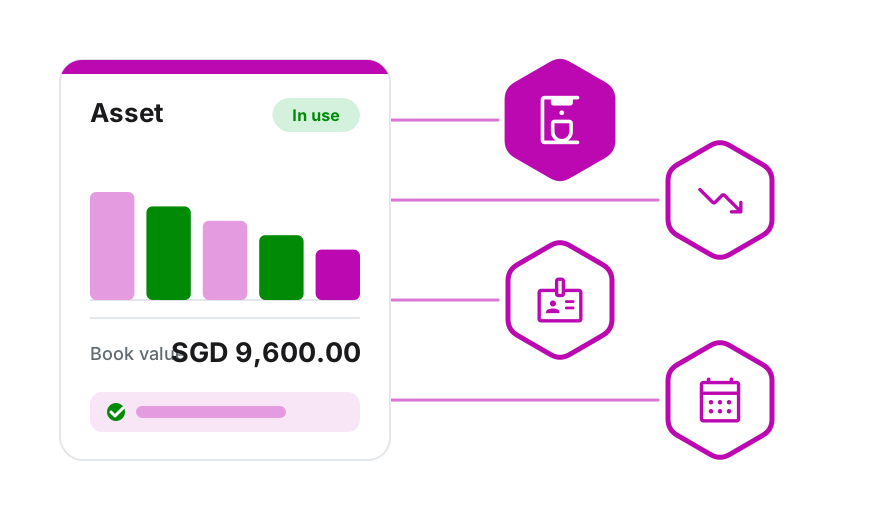
Add an asset in one form
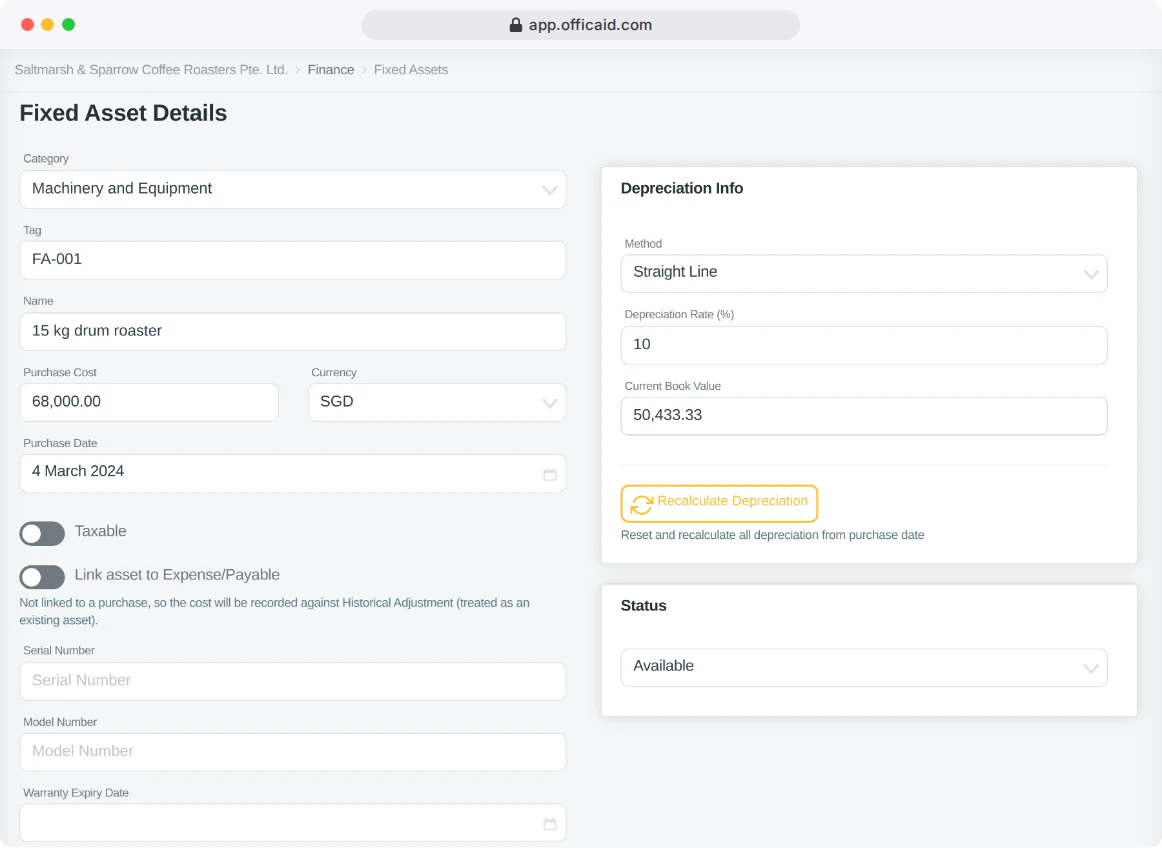
Category, tag, cost, purchase date and rate: the book value follows.
Categories are ready to use, from Computers and Electronics to Machinery and Equipment and Vehicles. Choose Straight Line, Declining Balance or no depreciation.
- Link the asset to the expense or payable you bought it with
- Bought before Officaid? It is booked against Historical Adjustment, so the books stay balanced
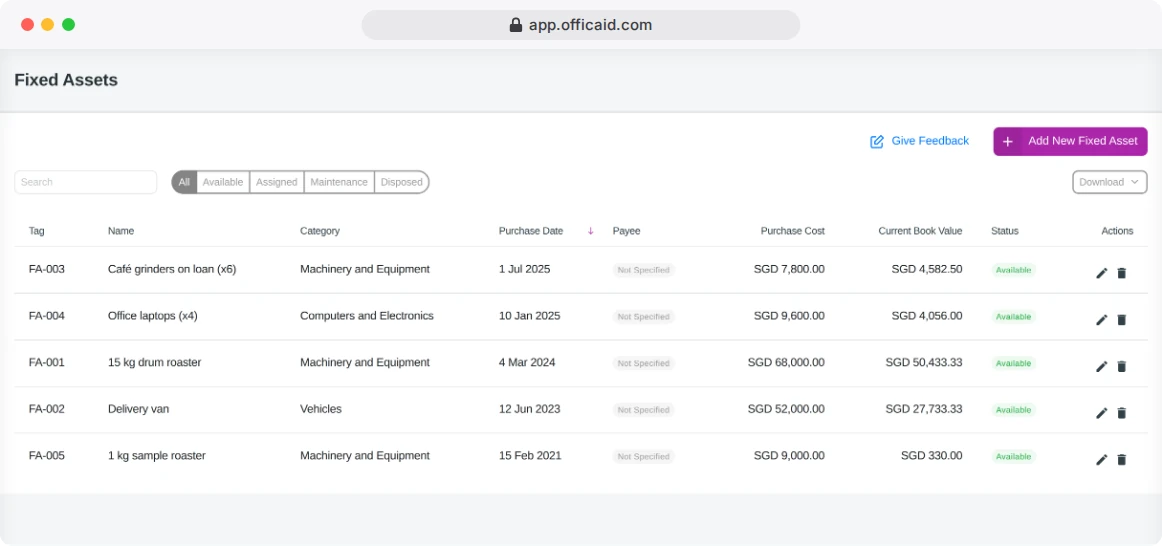
- The list shows cost and current book value side by side
Bring your existing assets over
Enter the real purchase date and Officaid catches up the depreciation at once.
A SGD 1,200 monitor at 20% a year, bought a year before you started, shows a book value of SGD 960.00 as soon as it is added. This year's share goes to the Profit & Loss and the earlier months to retained earnings, and the books stay balanced.
Who has what
Set an asset to Assigned and choose the person; the list shows who has it.
Sold or scrapped: the books follow
Mark an asset Disposed with the date, the sale price and the account it was paid into.
Officaid books the gain or loss on disposal in your Profit & Loss, the money in your bank account and the proceeds in the Cash Flow statement. A scrapped asset with no proceeds posts its remaining value as a loss.
Changing the method, the rate or the purchase date rebuilds the depreciation, and Officaid tells you first which years will change.
Know what you own and what it is worth
Your asset register lives in the same books as your expenses and reports, so the Balance Sheet carries every asset at its book value.
Start free trialNo credit card required · 14-Day free trial