



Item Management with Officaid
Organize everything you sell: services and products, in one intelligent catalog.
Officaid’s Item Management lets you centrally define, categorize, and track every service or product your business offers, creating a clean foundation for quotations, invoices, project billing, subscriptions, reporting, and performance analytics.
Build custom category hierarchies, assign SKUs, and analyze revenue performance per item without spreadsheets or disconnected sales tools.
Start free trial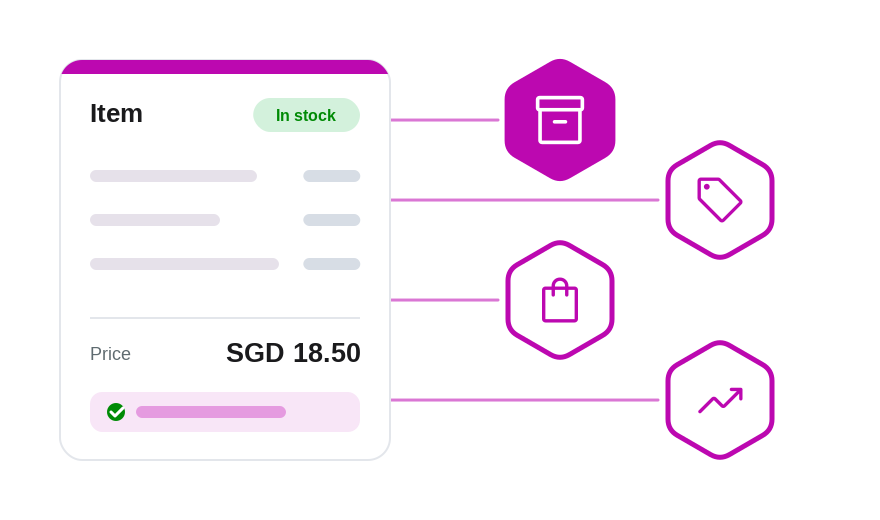
Item Management with Officaid
A short demo: the catalog and its categories, an item's price, stock and sales, and stock that moves with every invoice.
Unified sales catalog
Manage all revenue items in one place.
Officaid supports both:
- Services: consulting packages, retainers, subscriptions, professional services, maintenance plans
- Products: physical items, digital goods, licenses, equipment, merchandise

Each item record can store:
Everything connects directly to quotes and invoices, no retyping data or mismatched pricing.
Flexible category systems
Build the structure that matches your business, not a rigid template.
Categories can be grouped under parent categories or run flat, adapting to both simple catalogs and complex service line structures.
Item-level performance tracking
Instantly see what’s selling, and what isn’t.
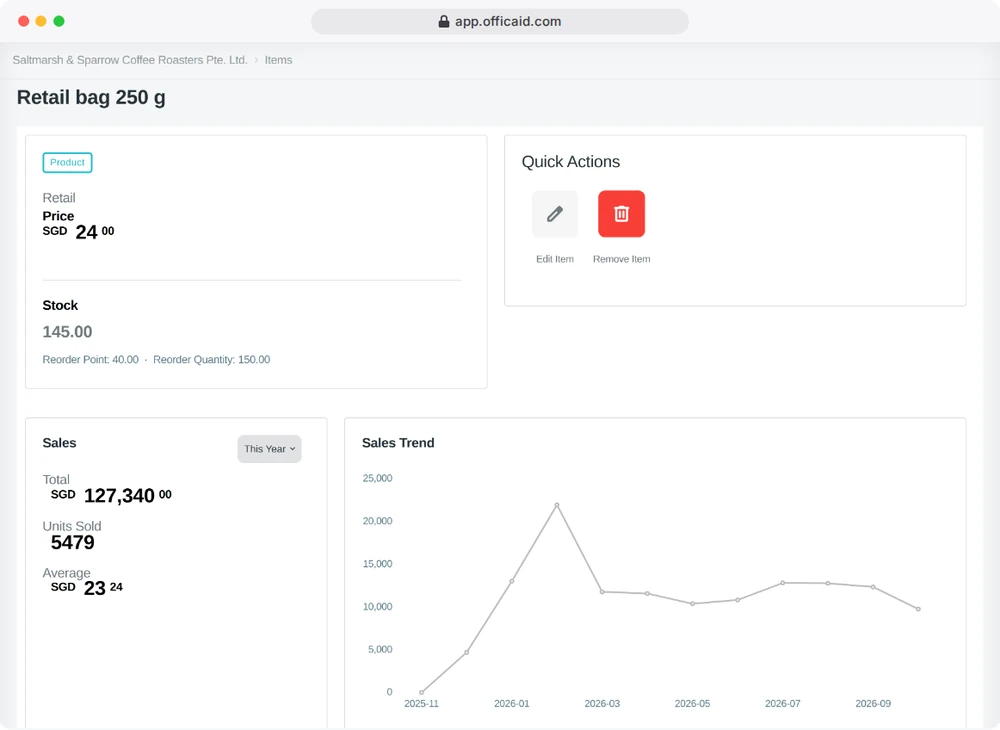
Each item dashboard automatically shows:
- Total revenue generated
- Units sold
- Average order value
- Sales trends over time
- Top clients purchasing that item
No setup needed, analytics capture as soon as the item appears on invoices.
Set a reorder point and Low Stock shows what to reorder, in one click.
Pricing centrally controlled
One source of truth.
Edit pricing in the item catalog and it automatically reflects everywhere.
No outdated templates. No mismatched pricing errors.

More that Officaid does for your stock
A stock take sets cost of sales and inventory, so the P&L shows a real gross profit.
Designed to scale
From simple service packages to large multi-category catalogs, Officaid supports:
Your sales catalog grows as your business, without ever rebuilding systems.
Start free trialNo credit card required · 14-Day free trial
Learn how in the Help Center
Step-by-step guides for this part of Officaid.
Create products and services in Officaid to use across your quotations and invoices.
Read the article Setting Up Inventory Tracking for an ItemEnable stock tracking for your products in Officaid and configure reorder alerts.
Read the article Understanding Reorder Points and QuantitiesLearn how to set reorder points and quantities in Officaid so you never run out of stock.
Read the article Managing Stock MovementsTrack every stock change in Officaid with stock in and stock out movements.
Read the article How Invoices Automatically Update Your StockSee how Officaid deducts stock automatically when you create invoices.
Read the article