


Access Rights & Permissions
Give the right people the right access. Nothing more, nothing less.
Officaid’s Access Rights system provides precise, role-based control across every part of your business platform; from sales and CRM to payroll, finance, reports, and administration.
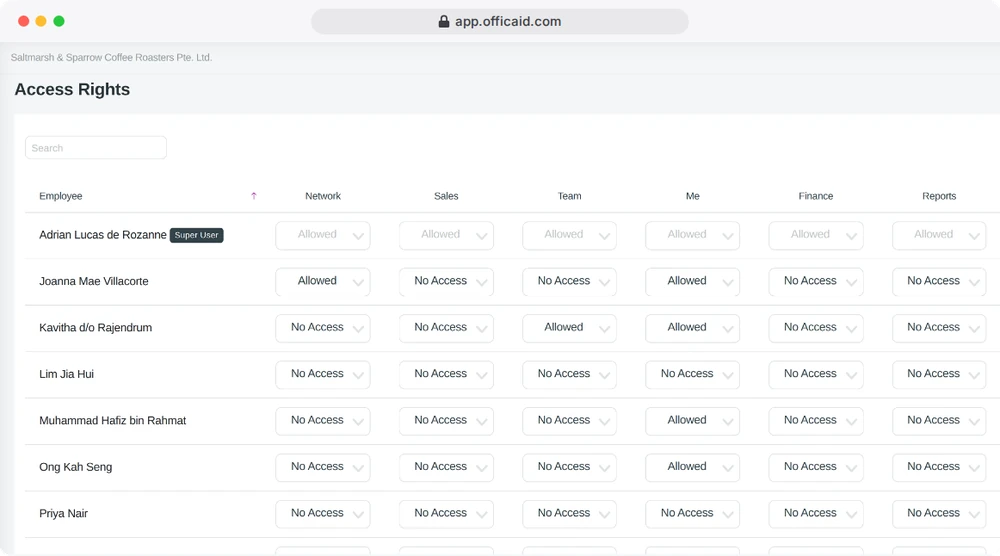
Set each person’s access module by module: No access, View only or Can edit.
No generic profiles. No all-or-nothing access. Just clean governance that works for growing teams.
Start free trial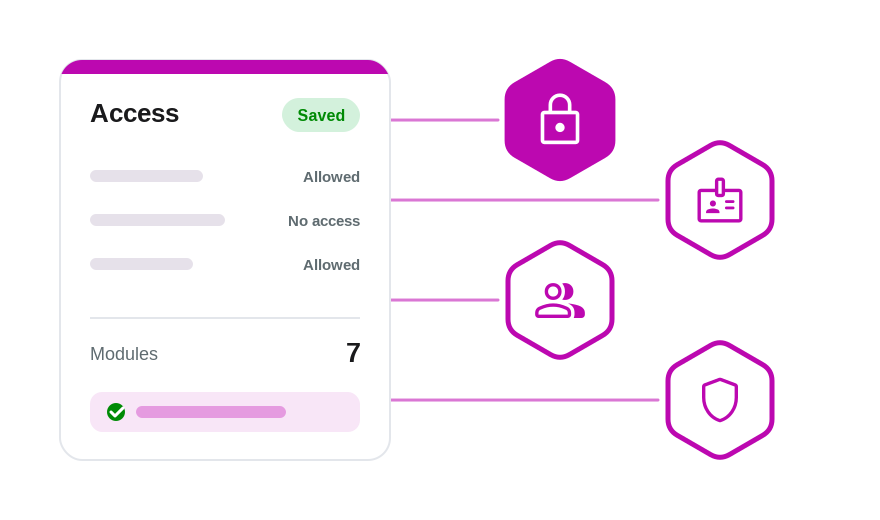
Access Rights with Officaid
A short demo: who can open what, module by module, and the log of who changed what.
Module-based permissions
Control access by functional area.
Permissions are managed separately across all core modules, including:

Each employee’s access per module can be configured independently enabling true least-privilege security.
View only lets someone open, filter and export everything in a module, with its PDFs, without changing anything. Can edit gives full access. No access removes the module from their menu.
Real-time permission changes
Instant access enforcement.
Any permission updates apply immediately — no logout required, no cache resets, no workflow disruptions.
Whether onboarding a new employee or revoking access during exit procedures, your system stays secure in real time.
Built-in HR security workflows
Permissions tie directly to HR records.
When employees:
- Join
- Change roles
- Are promoted
- Exit the company
their system access can be reviewed and updated alongside employment status changes — preventing lingering permissions or unauthorized access.
See who changed what
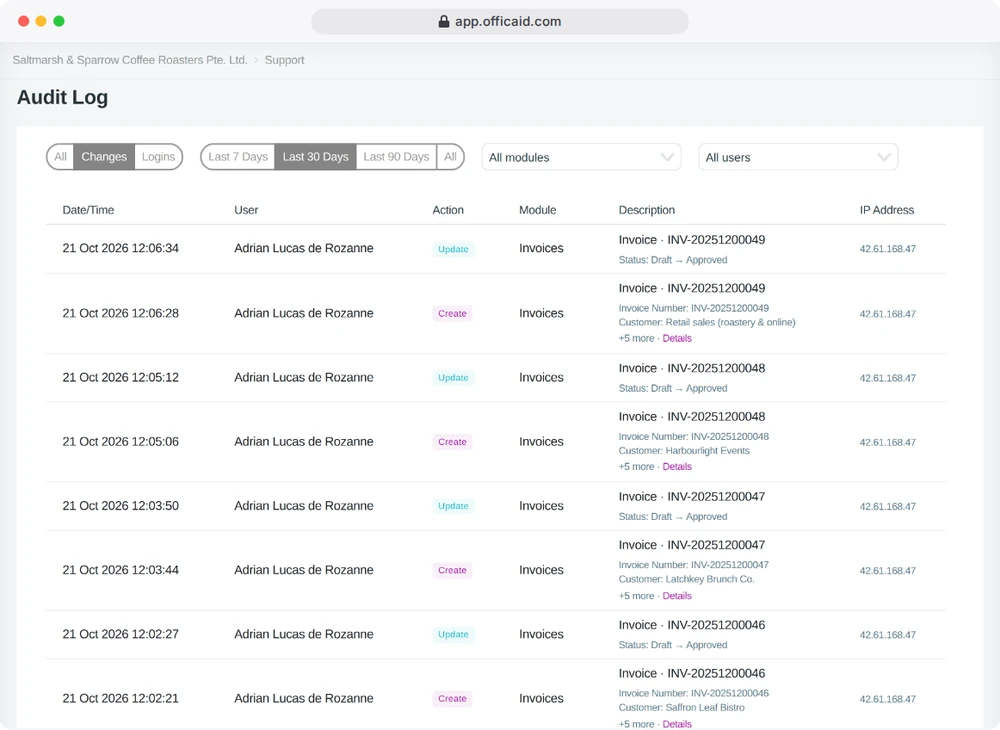
Every save is logged field by field, before → after, with the user, time and IP. Example: Postal Code: 000000 → 018989.
More that Officaid does for access
- Give an outside bookkeeper read-only Finance access: they can see and export, not change anything. (Finance access includes salary payments by name.)
- Invitations show Invited, with a Resend invitation link.
- Terms & Privacy in the app shows when your company accepted the terms, by whom, which version applied and what changed since.
Governance without complexity
Officaid combines enterprise-grade security with SMB-level simplicity — letting administrators govern access cleanly without creating management burden.
Start free trialNo credit card required · 14-Day free trial