



Employee Self-Service
Leave, claims and payslips, handled by your staff from their phone.
Every employee gets Me, their own corner of Officaid. They apply for leave, claim expenses with a photo of the receipt, open their payslips and keep their details up to date, in their phone's browser with nothing to install. You approve; payroll and the books follow.
Start free trial
Apply for leave in a few taps
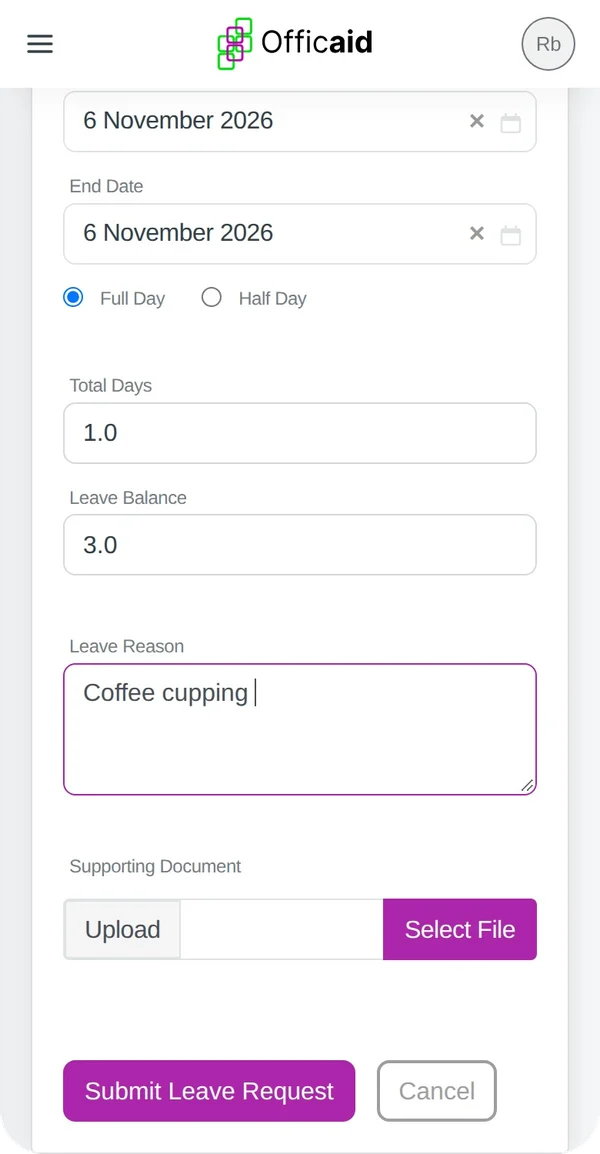
Pick the leave type and the dates; Officaid counts the working days.
Weekends and public holidays are left out of the count, and a half day is one tap. The balance shows before the request goes in, and a request bigger than the balance is stopped with a clear message.
- Attach a supporting document, such as a doctor's note
- Edit or cancel a request while it is pending
- Your manager sees it under Pending Approvals at once
Claim with a photo of the receipt
Snap the receipt on the spot and the claim is on its way.
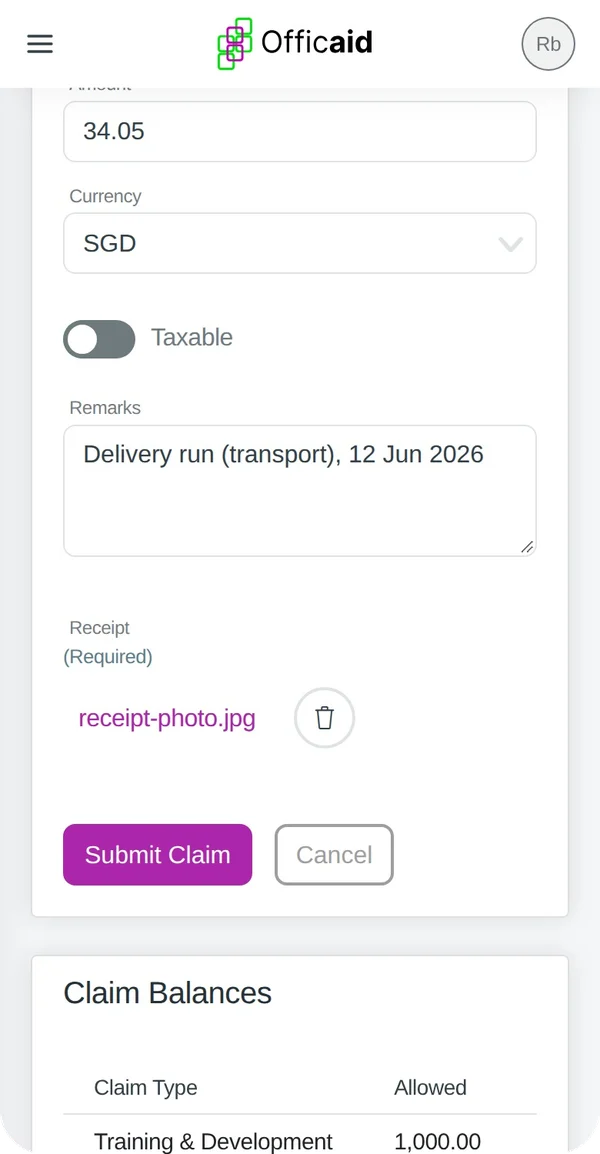
Choose the claim type, the date and the amount, then add the receipt: the phone offers the camera or your photos. A claim cannot be sent without its receipt, so nothing goes missing.
Spent in another currency? Enter the amount as on the receipt and pick the currency. The rate is filled in, and the SGD amount you are reimbursed is shown before you submit.
Once approved, the claim is added to the employee's claims payable in Finance, ready to pay.
Payslips whenever they need them
Every payslip, on the phone or as a PDF.
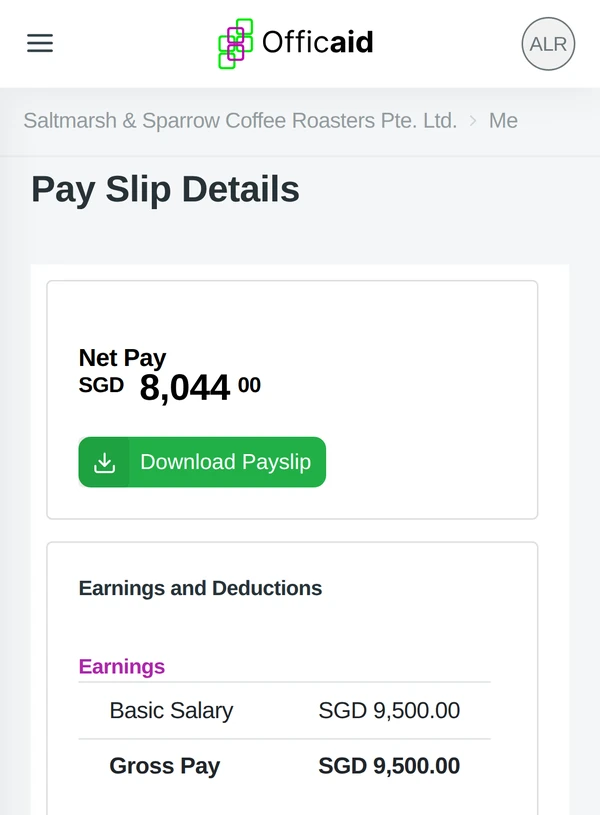
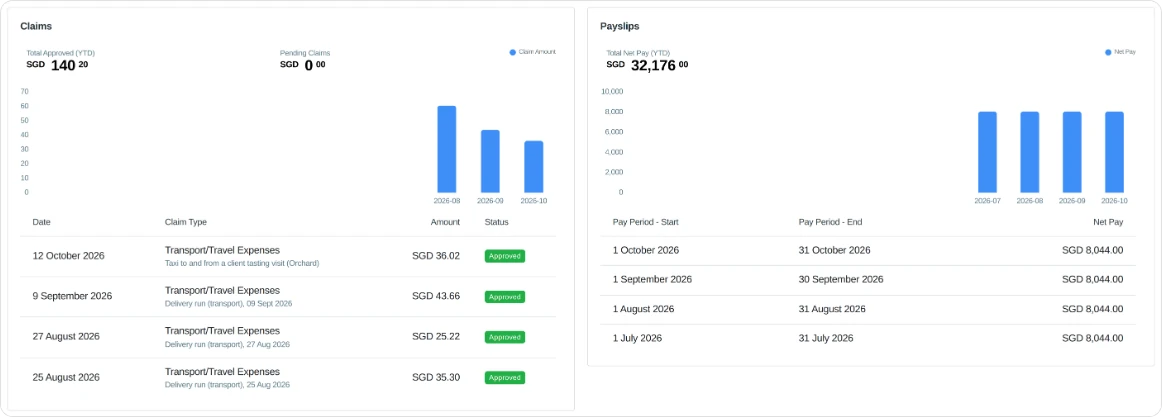
My Desk lists each pay period with its net pay, and the total for the year so far. Open one to see the earnings, the deductions and what the employer paid, then tap Download Payslip for the PDF.
No more payslip requests to HR at the end of the month.
Their details, kept by them
Staff keep their contact details current; you keep control of the rest.
Update Profile on My Desk opens their own details. What they change is the same record you see in Team → Directory.
My Desk: everything in one place
Each person sees their leave balance, their requests, their claims and their payslips.
Every request shows its status: Pending, Approved or Rejected. An alert on their dashboard shows when a claim has been decided.
It is the same account on the phone and the computer: a request made on one is waiting on the other.
For the manager
Requests come to you, with everything you need to decide.
Approve from your phone too: Team → Leaves and Team → Claims list the Pending Approvals.
Less admin for you, less waiting for them
Leave, claims and payslips in one place for the whole team, in the same system that runs your payroll and your books.
Start free trialNo credit card required · 14-Day free trial