


Tasks
Delegate with a paper trail.
Give each job an owner, a priority and a due date. Comments, replies and every change stay on the task, with who and when, so nobody has to dig through chat to find out what happened.
Start free trial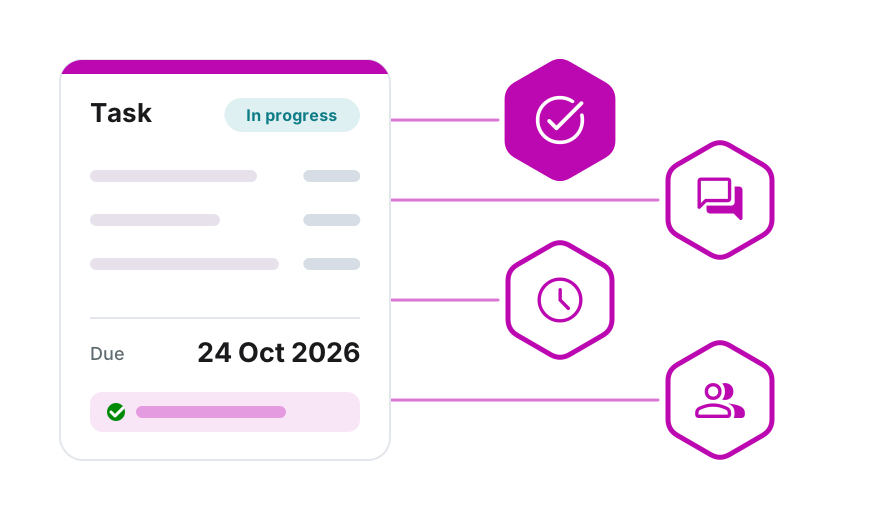
Assign, prioritise, set a date
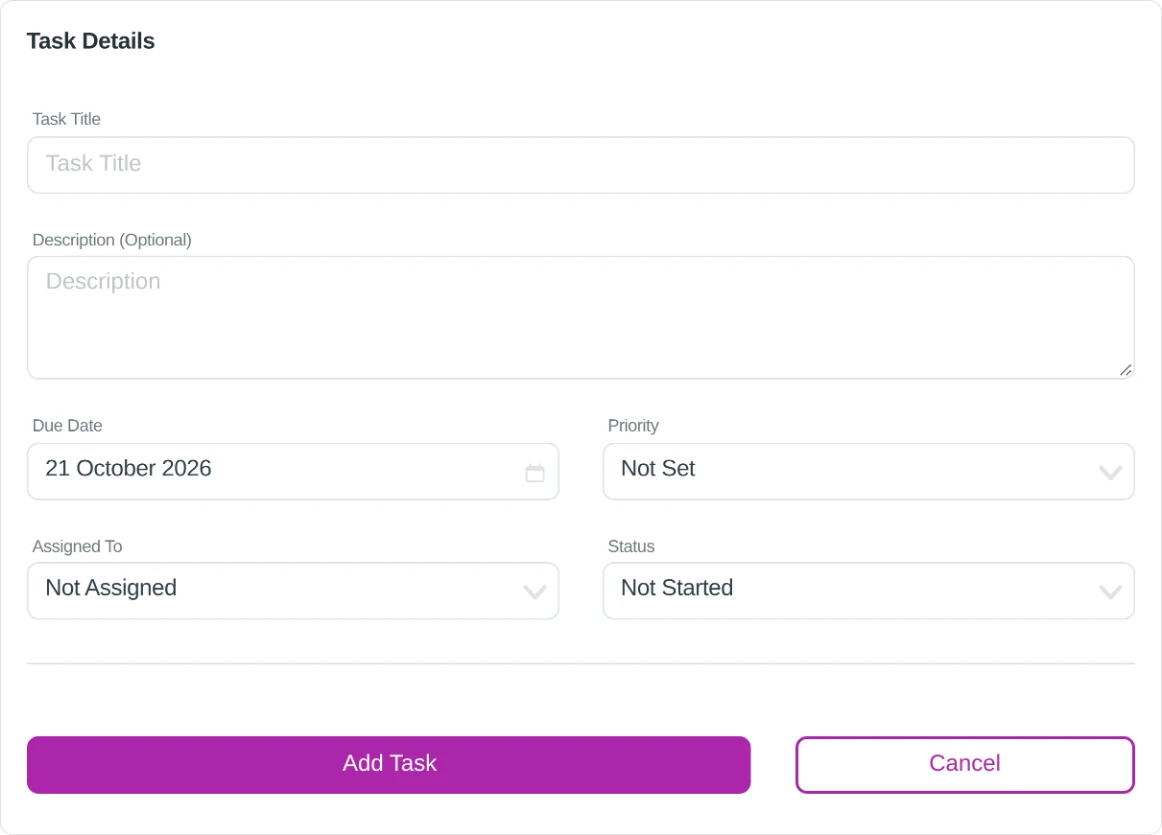
One panel: title, description, due date, priority and who it is for.
Pick a due date or a quick choice such as Within 7 days, and a priority from Low to Urgent. Leave a task Not Assigned until you know who should take it.
On Going and Completed keep the list short, and Assigned To Me shows each person their own work.
Four statuses, one look at the list
Talk on the task, not in email
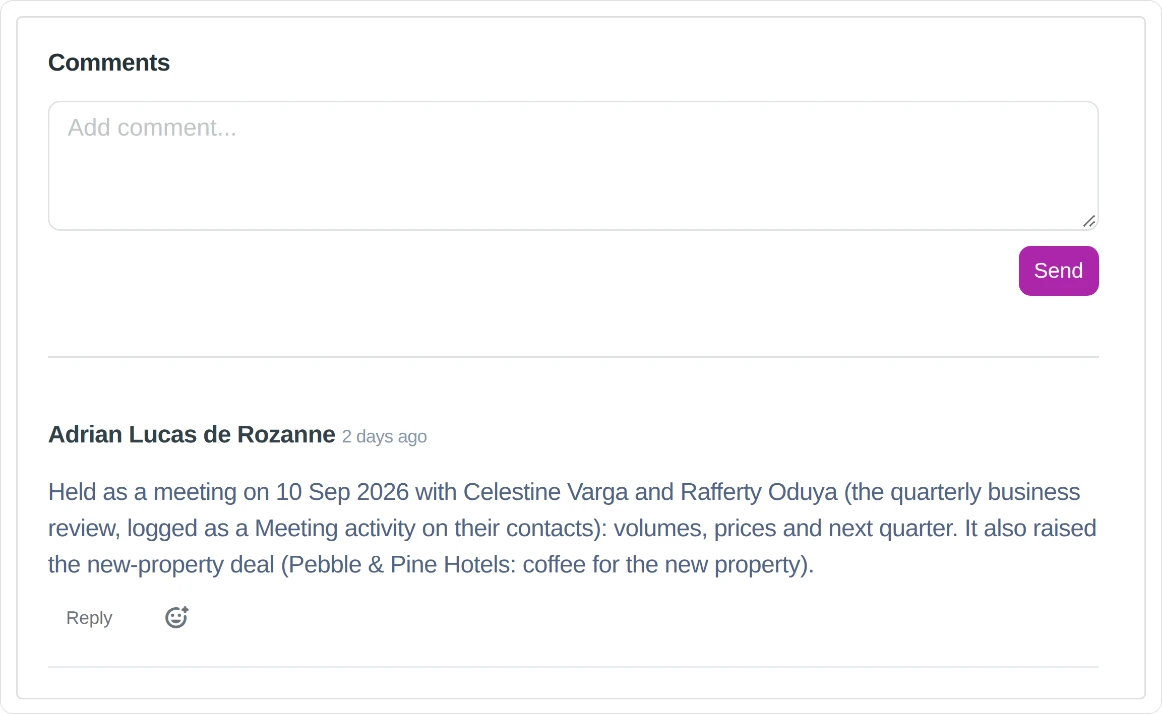
Comment, reply in a thread and react, right where the work is.
Each comment shows who wrote it and when, and the task list shows how many comments a task has. Reply under a comment to keep a conversation together, or react with a Like.
The whole story of a job stays with the job, for whoever picks it up next.
Task Activity: every change, with who and when
The log on each task records what changed, from what to what.
Reopen a finished task and the log says so too.
Done, and what comes next
Mark a task Completed and Officaid offers a follow-up.
Create Follow-Up opens a new task called "Follow-up:" and the original title, with the same priority and owner and a due date a week out. Both tasks note the link in their activity.

Know who is doing what
Tasks sit in the same Officaid as your customers, your team and your books, so the follow-up on an invoice or a new hire's first week has an owner too.
Start free trialNo credit card required · 14-Day free trial